SMS
How to set up the SMS component in Ilevia Manager to send update or alarm SMS messages to contact lists.
INTRODUCTION
This component allows Ilevia to send SMS messages so users can stay updated on the status of their home. It is useful for sending alarm SMS messages to custom contact lists.
USE CASES
The user wants an SMS message to be sent when the basement light turns on.
The user wants to receive an SMS when the garden presence sensor detects motion.
Reminder before continuing:
Download and install the Ilevia Logic plugin to enable plugins (link);
After uploading the project to the Ilevia server, wait a couple of minutes for the logic to start.
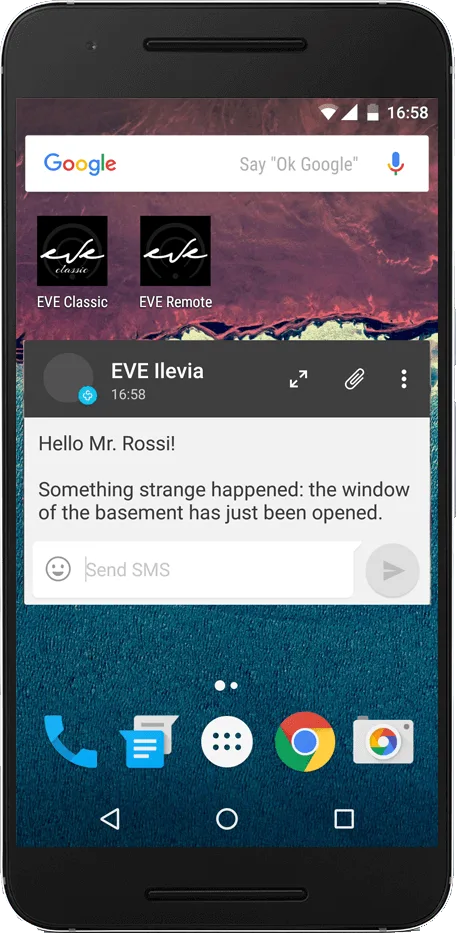
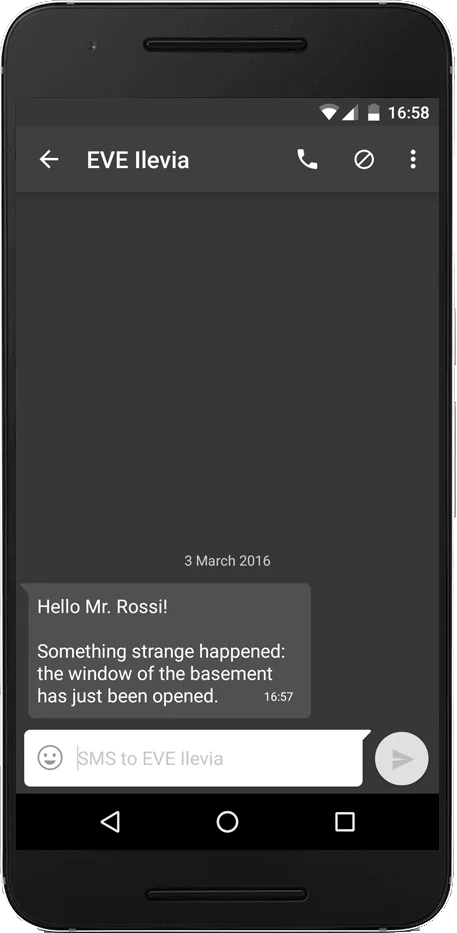
Result on the phone
COMPONENT PROPERTIES
The component title and icon can be customized. See the "Common properties" guide.
GUI
This component was created using the Graphic UI gateway.
You can refer to the chapter "Gateway / protocols" for further information.
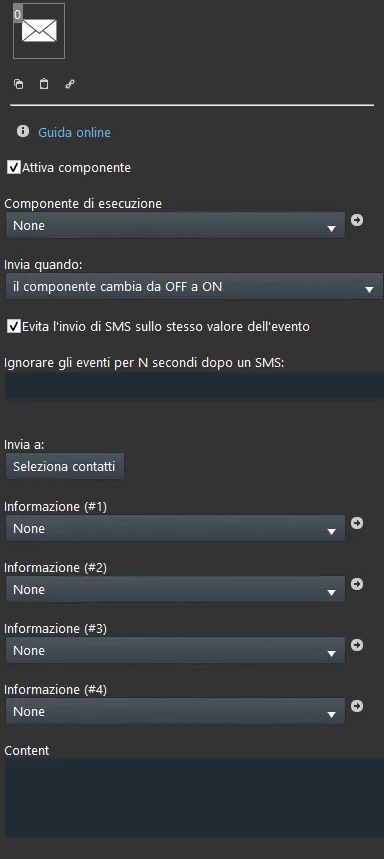
Enable component: checkbox that defines whether the function is enabled or disabled in the system.
Trigger component: Option list, Colored info, Text info, Switch, Safe switch or Button that will trigger the SMS to be sent;
Send when:
State change from Off to On: an SMS is sent only when the trigger changes to On;
State change from On to Off: an SMS is sent only when the state changes to Off;
At every change: an SMS is sent every time the state changes between On and Off;
ON event: an SMS is sent only when the component has an ON state event;
OFF event: an SMS is sent only when the component has an OFF state event;
Run on every event: an SMS is sent every time an event occurs.
User selection: list of Contacts who will receive the SMS. To import contacts, click the "Select contacts" button and drag the Contact components into the window. For the Contact component configuration, click here.
Additional information can be added to the SMS content (up to 4):
Information (#1, #2, #3, #4): for each of the four information items you can use Option list, Info, Colored info, Text info, Slider, Switch, Safe switch or Adjustable value components;
Content: message text that will be sent on state change. The information set above must be inserted into the SMS content using the # symbol followed by the information number (e.g. #1, #2, etc.).
Visual result