
Alarm systems
How to integrate EL.MO, INIM, Ksenia, Satel and Tecnoalarm intrusion control panels with the ILEVIA server using ilevia Manager.
The ILEVIA server connects to the main intrusion control panels: from the ILEVIA Control app you can arm and disarm areas, view zone status, include or exclude them, and use alarm status in scenes and home logic.
All integrations are configured in ilevia Manager, from the Surveillance / Security category in the Components Library. For most control panels, a guided procedure automatically creates the gateway and all components.
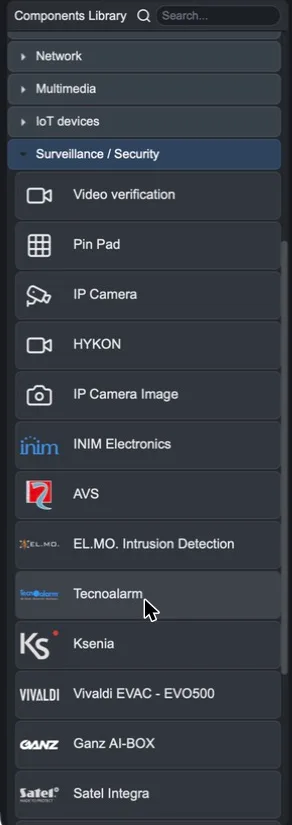
Supported control panels
Control panel | How it is configured | Does it require the connected server? |
|---|---|---|
Guided procedure: model, IP, port, unit address | No | |
Component with IP and API Key, then Import parameters | Yes, for import | |
Guided procedure: IP, HTTPS port and user PIN | Yes | |
Tools > Import > Satel with the control panel XML file | No | |
Guided procedure: model, IP, supervisor PIN and intervals | No (requires the Logic module) |
Common workflow
Prepare the control panel: active IP network, credentials or codes for access from external systems.
In ilevia Manager, add the control panel component and complete the guided procedure.
Check the gateway created in the Gateways tab.
Add the required components to the user interface and upload the project to the server with Project > Upload to server.