
Amazon Alexa
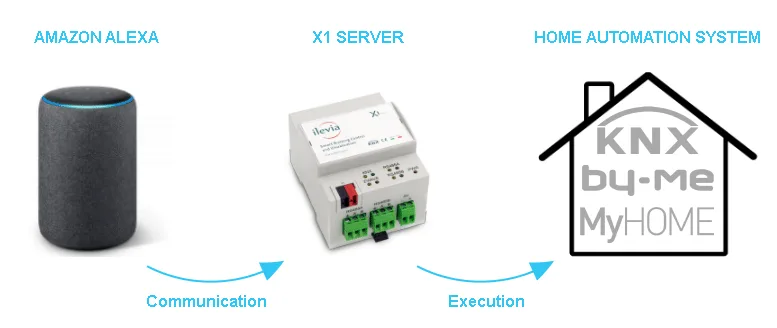
Connect the Ilevia system to Amazon Alexa with the Ilevia Smart Home skill, search for supported devices and voice commands.
With the Ilevia Smart Home skill, control from Amazon Alexa (Alexa app or Echo devices) the devices configured in Voice Control Manager: lights, shutters, thermostats, sockets, locks, scenes and more, with KNX, Vimar By-me, BTicino MyHome, Z-Wave and other protocols supported by Ilevia.
Before you start
Configure the devices in Voice Control Manager and upload the project to the server.
Keep the QR code or the voice control ID found in the component properties at hand.
Install the Amazon Alexa app on your smartphone and sign in with your Amazon account.
Connect the Ilevia Smart Home skill
Open the Amazon Alexa app and sign in with your Amazon credentials.
Tap More in the bottom menu.
Select Skills & Games.
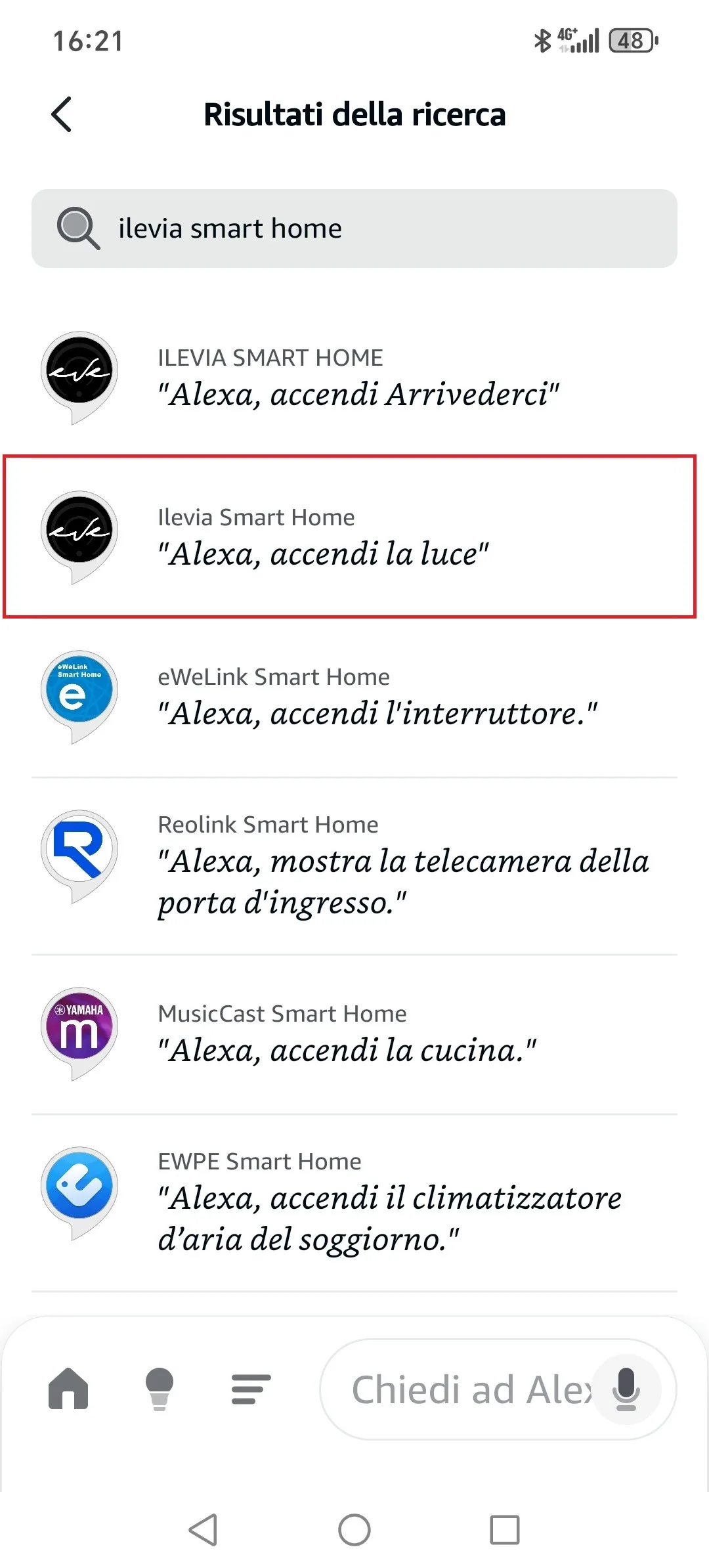
Tap Search and type Ilevia Smart Home.
Tap Enable to Use.
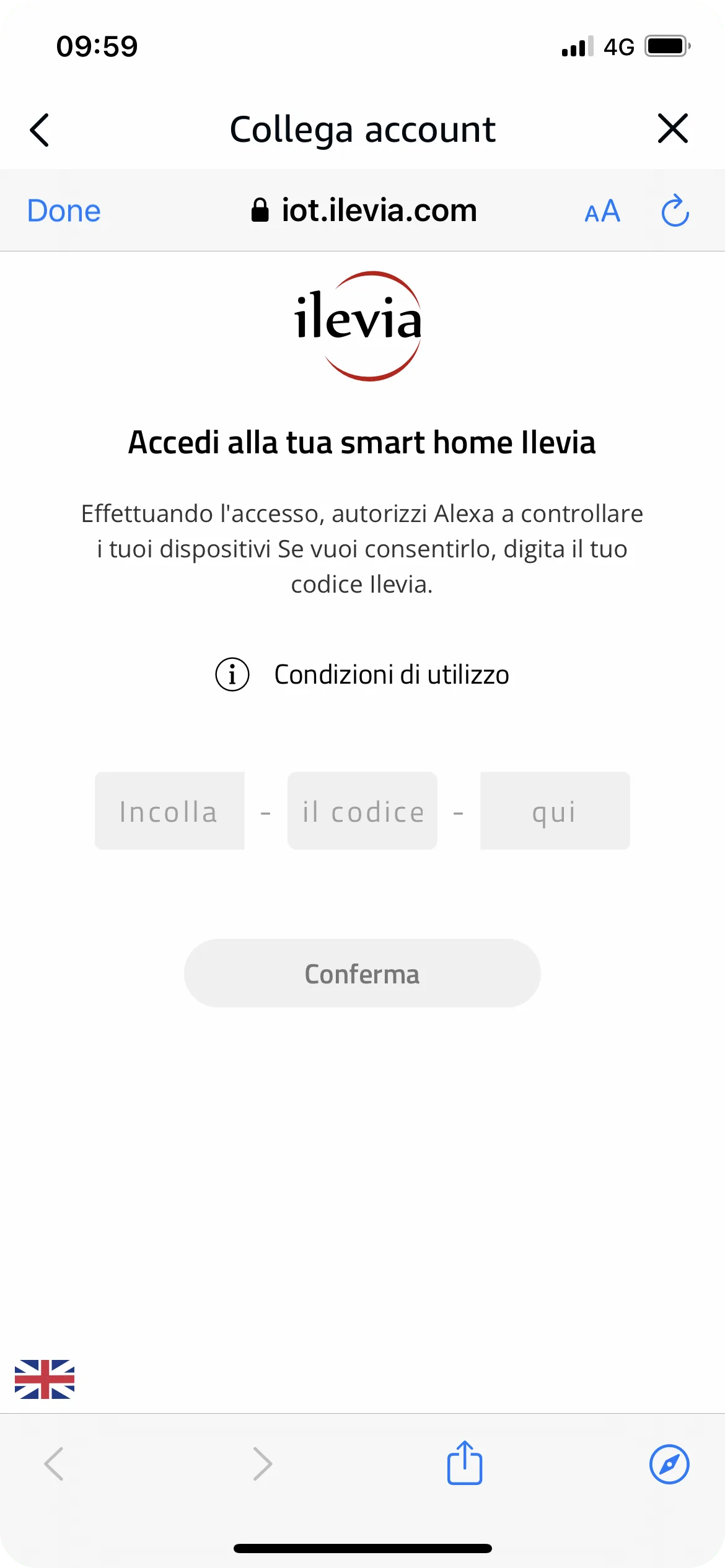
Enter the voice control ID (Ilevia Code) of the Voice Control Manager.
Tap Link to authorize Alexa to access the Ilevia server.
Tap Search for devices: Alexa downloads the devices configured in Voice Control Manager.
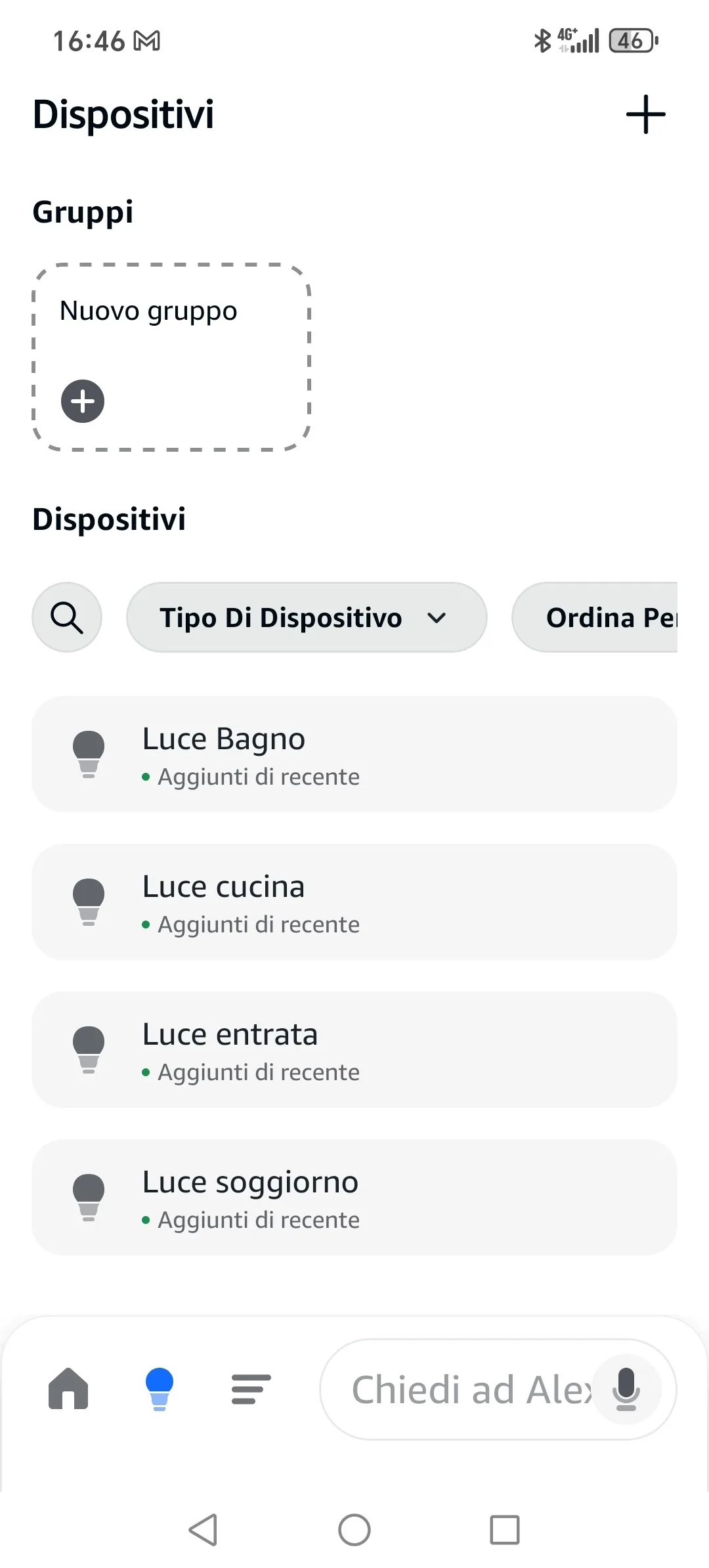
When finished, you will find the devices in Devices > All devices and you can control them by voice.
Adding new devices
If you add devices in Voice Control Manager, upload the project to the server and then in the Alexa app:
Tap + in the top right corner and choose Add Device.
Choose More, then Discover Devices.
When the search is complete, the new devices appear in All devices.
You can also say, “Alexa, discover devices.”
Voice commands
Say “Alexa” and then one of the following commands, using the names of the devices and rooms set in Voice Control Manager.
Device | Command examples |
|---|---|
Lights | “Turn on / Turn off living room light” · “Set living room light to 50%” · “Increase / Decrease living room light” · “Set living room light to green” · “Turn on / Turn off living room” (all the room lights) · “Turn off all lights” |
Scenes | “Activate dinner” |
Switches and sockets | “Turn on / Turn off kitchen socket” |
Valves | “Open / Close irrigation valve” |
Shutters, blinds, curtains | “Open / Close kitchen shutter” · “Set kitchen shutter to 50%” |
Locks | “Lock / Unlock front door” |
Thermostats | “Set living room thermostat to 22 degrees” · “Set living room thermostat to heating” · “What is the living room temperature?” · “I'm hot / I'm cold” |
If Alexa cannot find a device, check in Voice Control Manager that all parameters marked with the red triangle are connected and that the project has been uploaded to the server.