
Contact
Guide on how to correctly configure the Contact component within the Ilevia Manager home automation configuration software.
Note: this component is required in the configuration of the Email and SMS plugin modules.
Introduction
This component is required to configure the SMS and Email plugin modules. Create a new contact for each person you want to send emails and SMS messages to.
Component properties
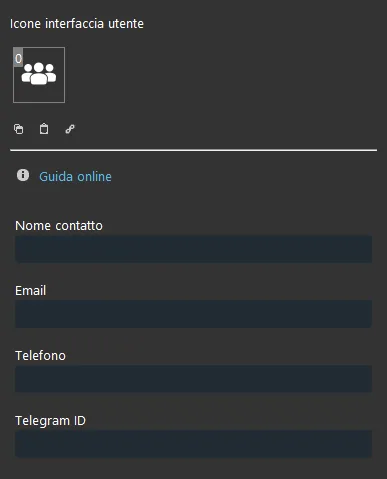
Title and icon can be edited. See the guide “Common properties” for more information.
GUI
This component was created using the Graphic UI gateway.
Refer to the chapter “Gateway / protocols” for further information.
Contact name: contact name;
Email: contact's email address (for the Email function);
Phone: contact's phone number (for the SMS function);
Telegram ID: enter the contact's Telegram ID.
Reminder before continuing:
Download and install the Logics module to enable the plugins (link);
After uploading the Ilevia project to the server, wait a couple of minutes for the logic to start.