Roller shutter
Properties of the Roller shutter component in Ilevia Manager (Ghost and KNX gateway) and how it is displayed in the Ilevia Control app.
INTRODUCTION
Allows control of roller shutter actuators.
USE CASES
This component is used to control roller shutters: it allows you to open, close, and adjust the Venetian blinds (slats) of a roller shutter.
COMPONENT PROPERTIES
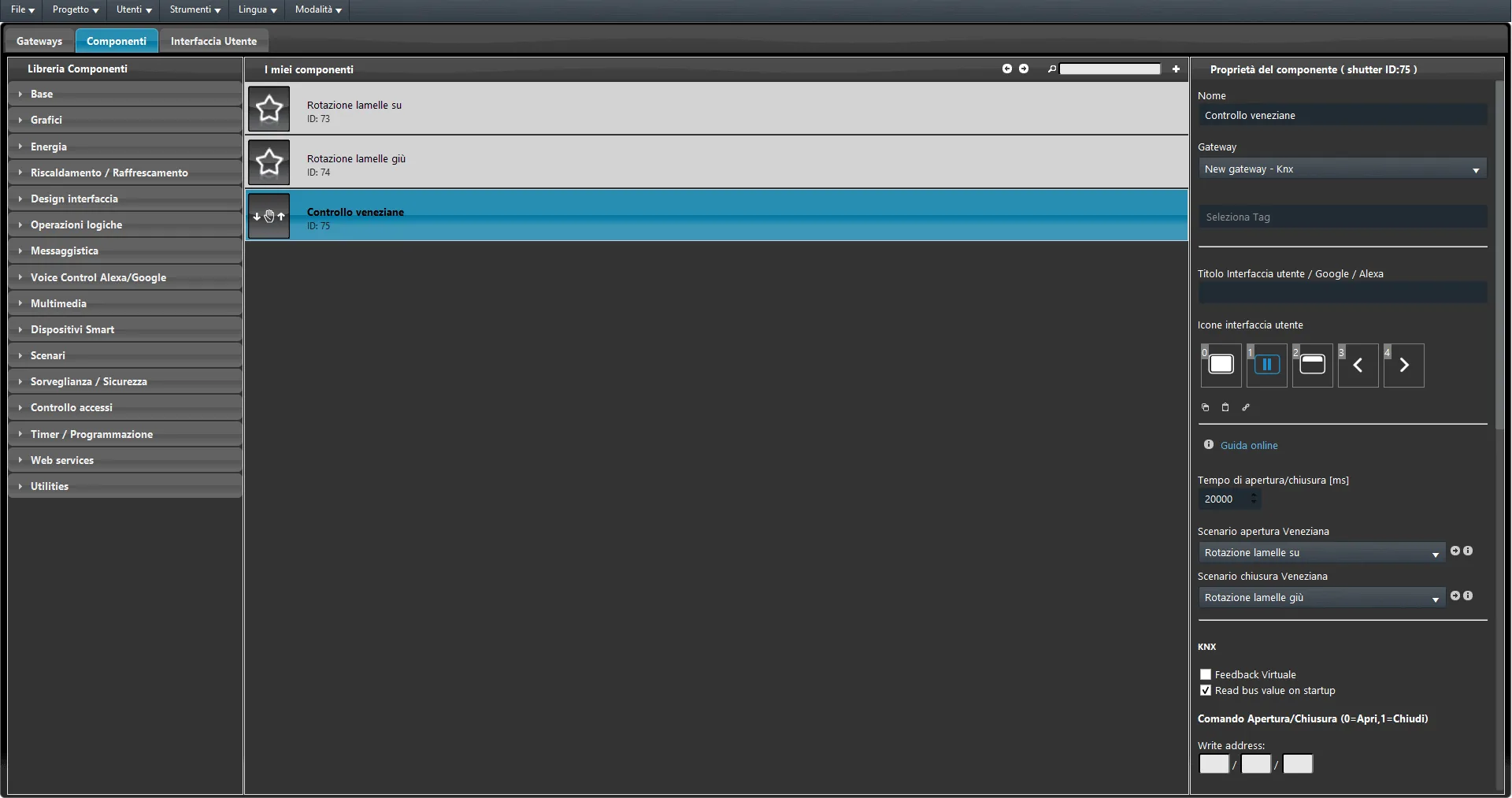
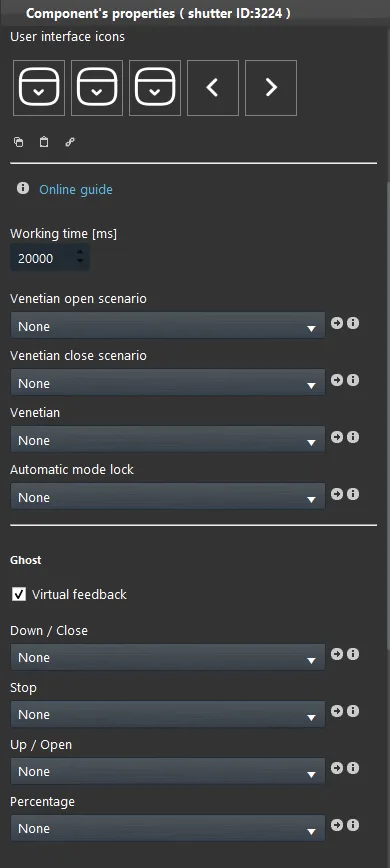
Opening / closing time: This is the roller shutter opening and closing time (in milliseconds);
Opening/closing Venetian blind scenario: Allows the blinds to rotate by adding two scenario components in the component's corresponding drop-down menus;
GHOST
This component is implemented using the GHOST gateway.
For further information, please refer to the chapter “Gateway / protocols”;
Virtual feedback: Refer to the chapter “Ghost protocol”;
Down/Closed: Through the Switch component, it allows control of the blind's downward movement/closing;
Stop: Through the Switch component, it allows the blind movement to be stopped;
Up/Open: Through the Switch component, it allows control of the blind's upward movement/opening;
Percentage: Through the Slider component, it allows percentage control of the blind; for example, setting it to 50% the blind will be half open;
KNX
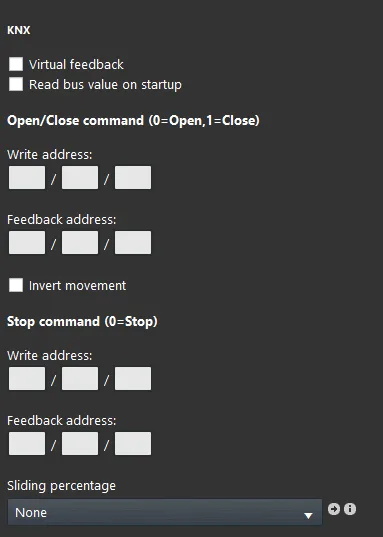
This component is implemented using the KNX gateway.
For further information, please refer to the chapter “Gateway / protocols”.
Virtual feedback: Refer to the chapter “KNX protocol”;
Bus value read on startup: Refer to the chapter “KNX protocol”.
Open/Close command: Here you enter the group address created in the ETS configuration related to the opening and closing of the roller shutter (Up/Down);
Invert movement: If selected, this checkbox allows inversion of the values sent on the bus;
Stop command: Here you enter the group address created in the ETS configuration related to the stop and step operation of the roller shutter (Step).
Percentage slider: Through the Slider component, it allows percentage control of the roller shutter; for example, setting it to 50% the roller shutter will be half open;
There are three possible display modes: “CLASSIC”, “MODAL”, and “HIDDEN”. For more information, see the Common properties guide.
Classic view
Here is the result of the component within the Ilevia Remote Plus home automation control application (Classic style).
The Roller shutter component is shown as follows:
ILEVIA REMOTE PLUS
ROLLER SHUTTER UP/DOWN
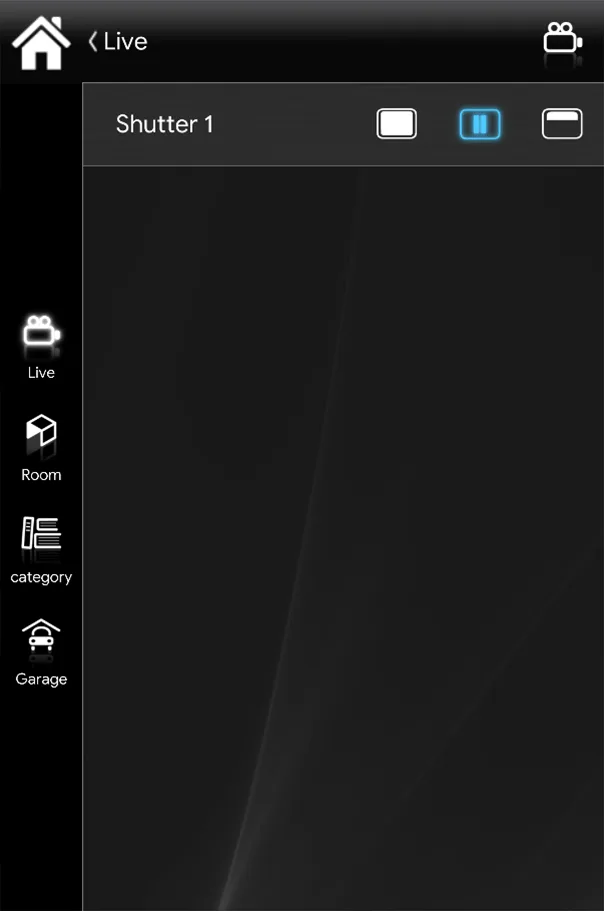
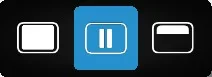
Stop button
(Roller shutter icons).
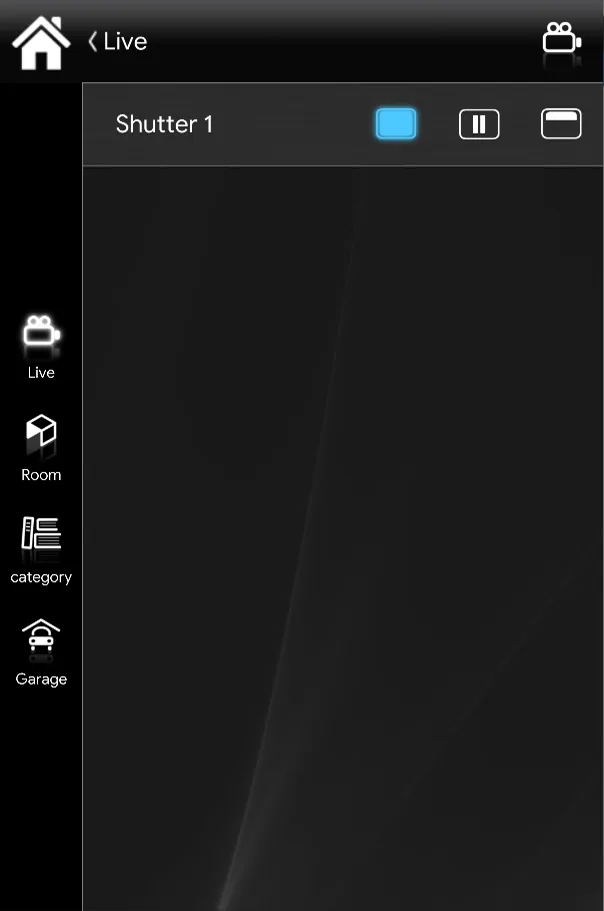
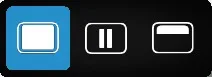
Close button
(Roller shutter icons).
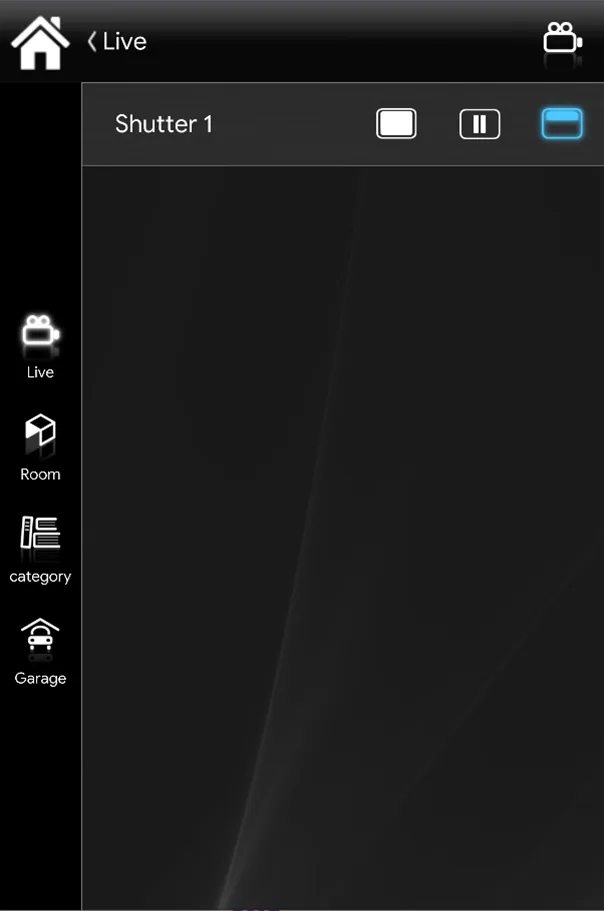
Open button
(Roller shutter icons).
ILEVIA CONTROL
ROLLER SHUTTER UP/DOWN
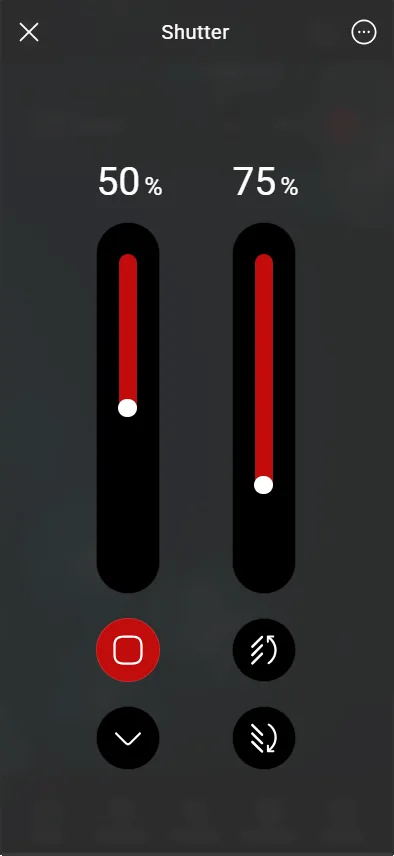
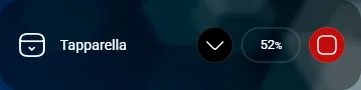
Up/Down open button
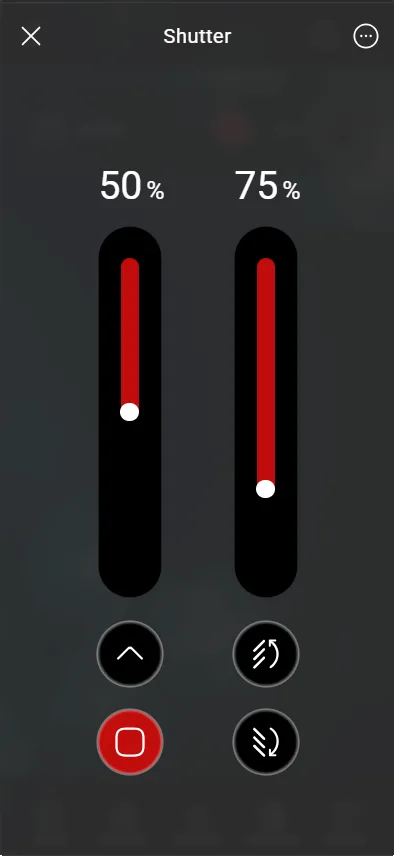
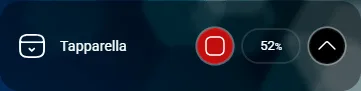
Up/Down close button
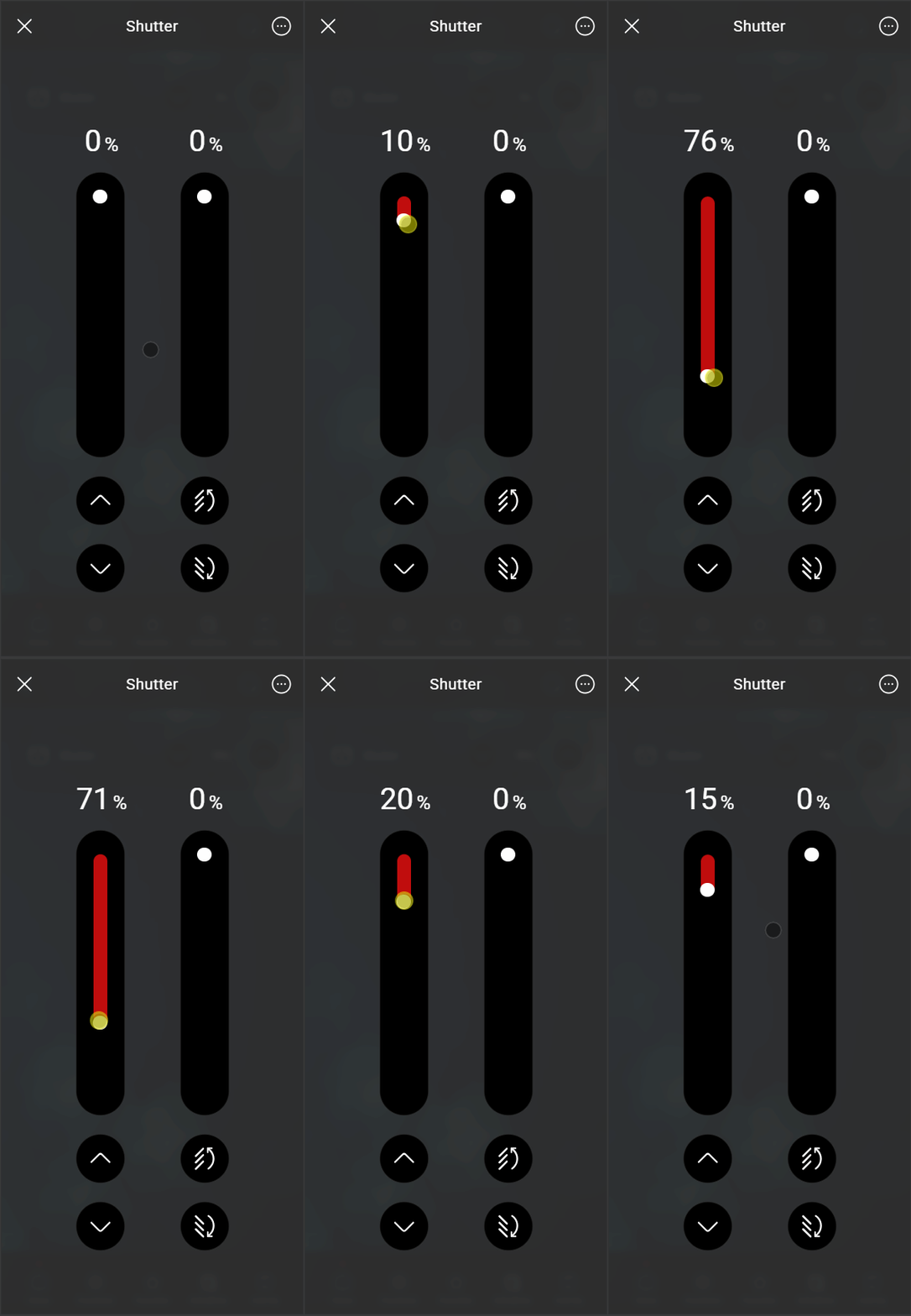
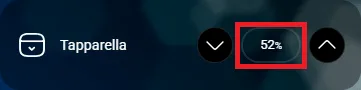
Up/Down slider
SLATS OPEN/CLOSE
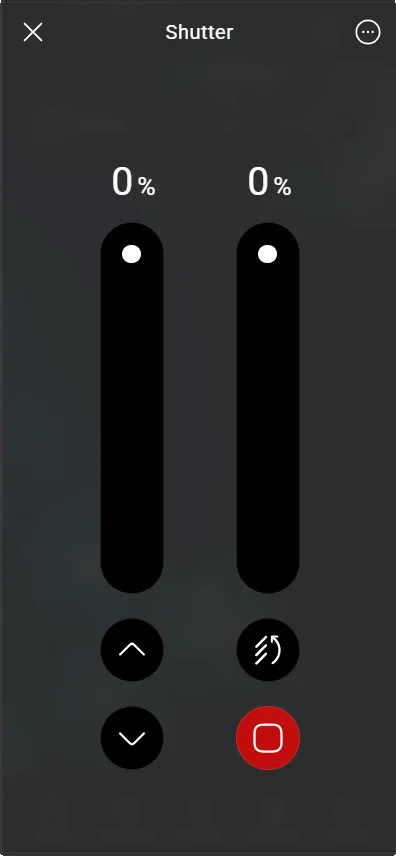
Slats close button
OPEN/CLOSE
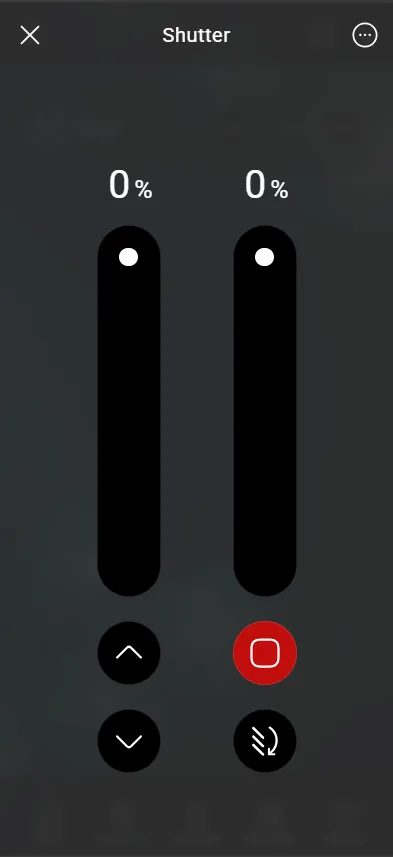
Slats open button
OPEN/CLOSE
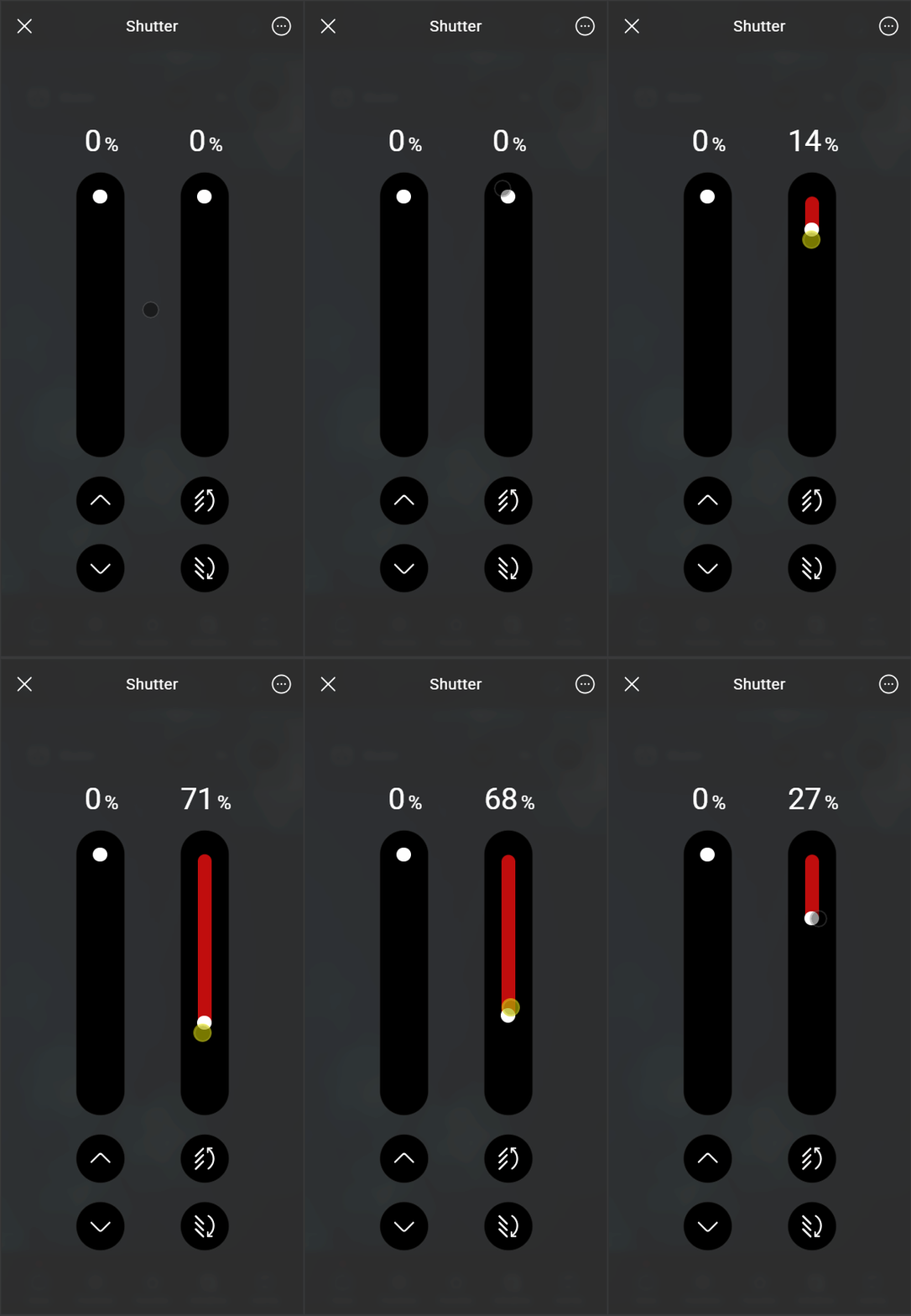
Slats slider
OPEN/CLOSE
Map view
This is one of the possible results of the Roller shutter component in the Ilevia Remote Plus app (Map style).
The icons can be customized as needed: symbols, colors, and sizes.
ILEVIA REMOTE PLUS
ROLLER SHUTTER UP/DOWN
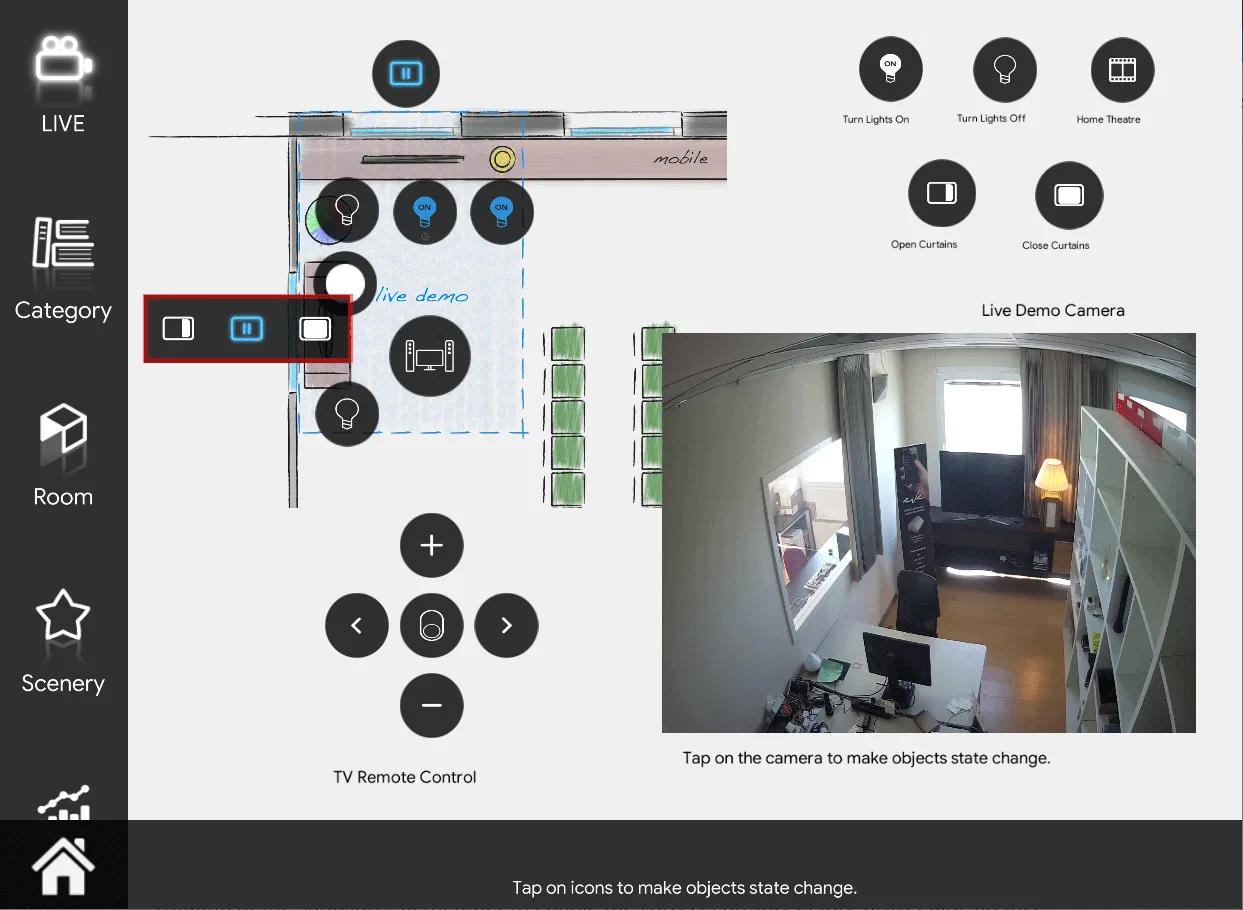
Stop button
(Roller shutter icons).
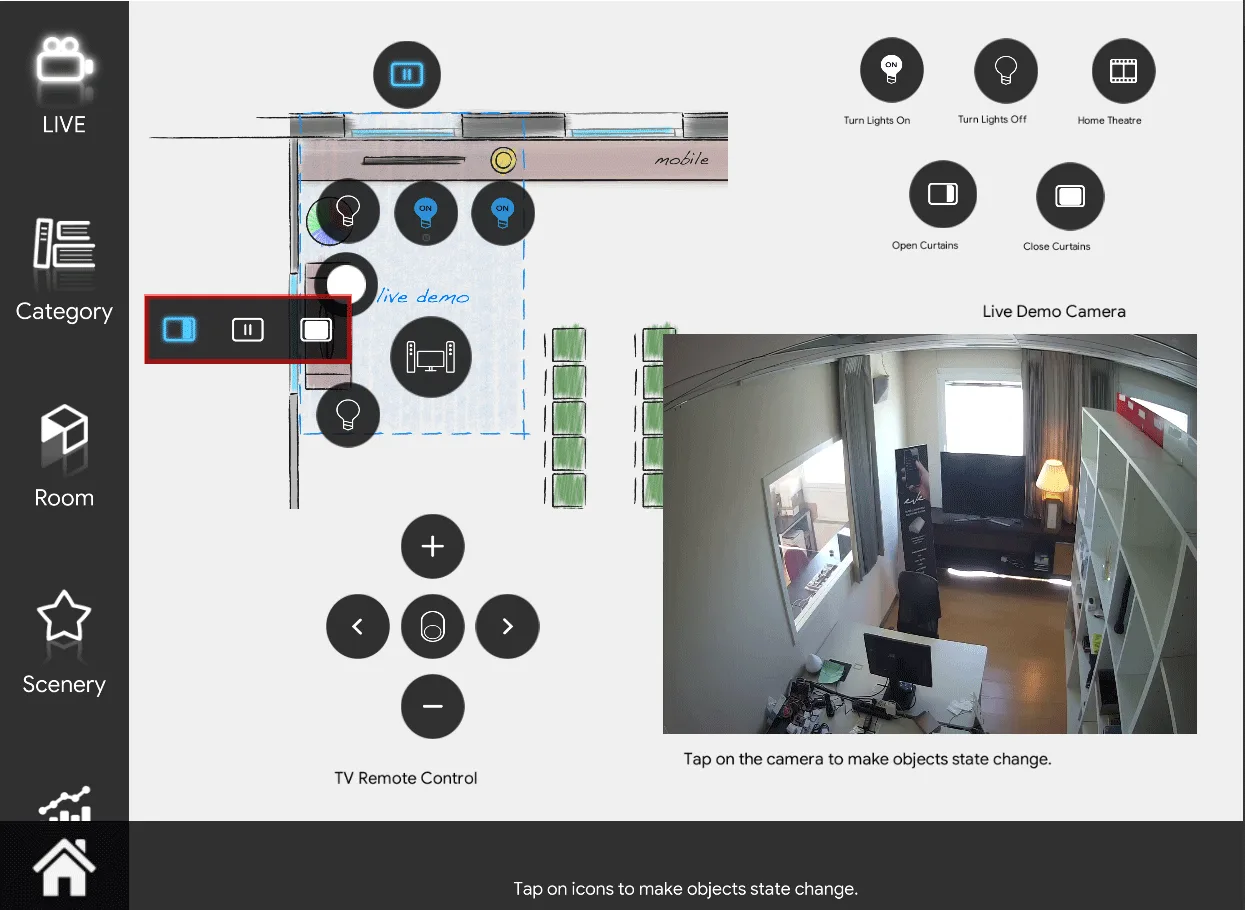
Open button
(Roller shutter icons).
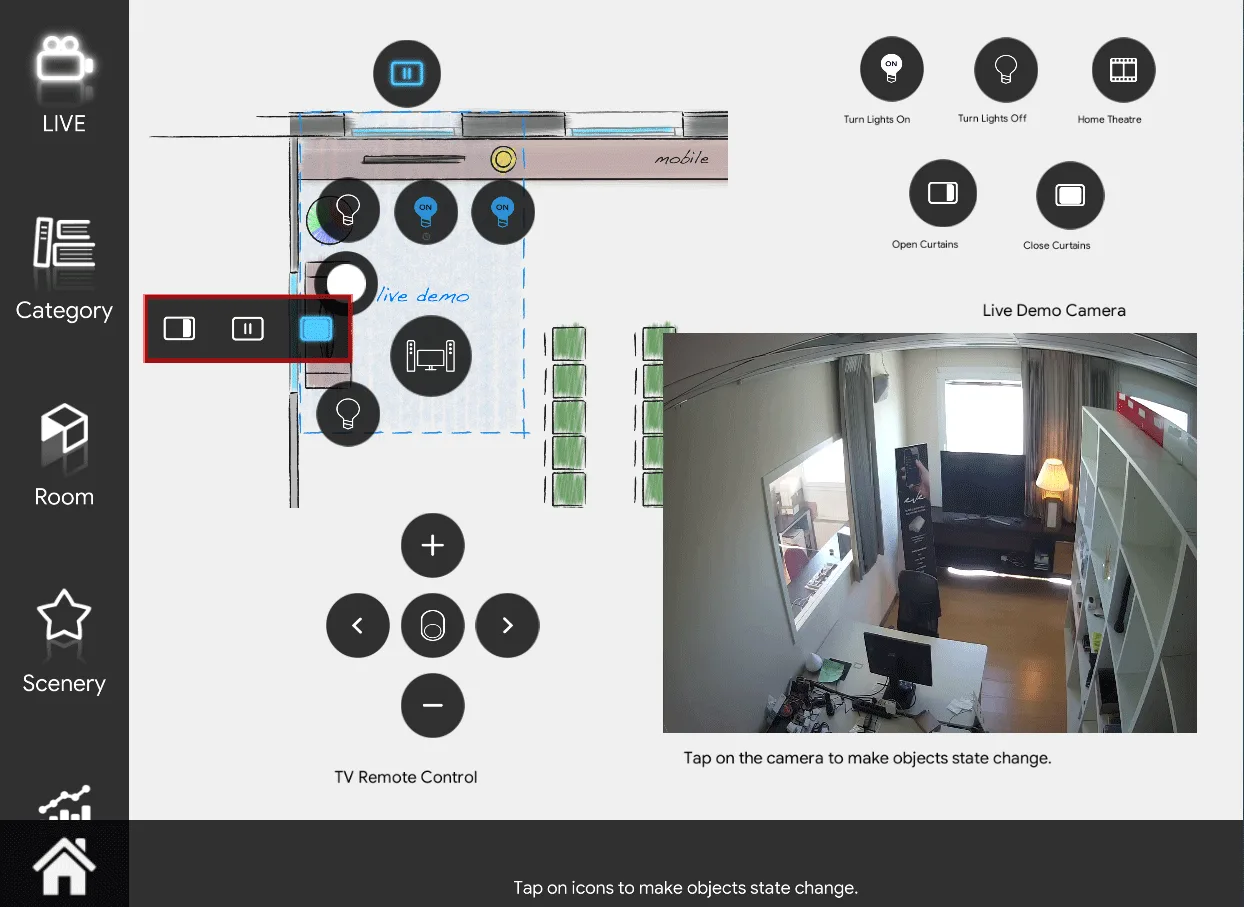
Close button
(Roller shutter icon).
ILEVIA CONTROL
ROLLER SHUTTER UP/DOWN
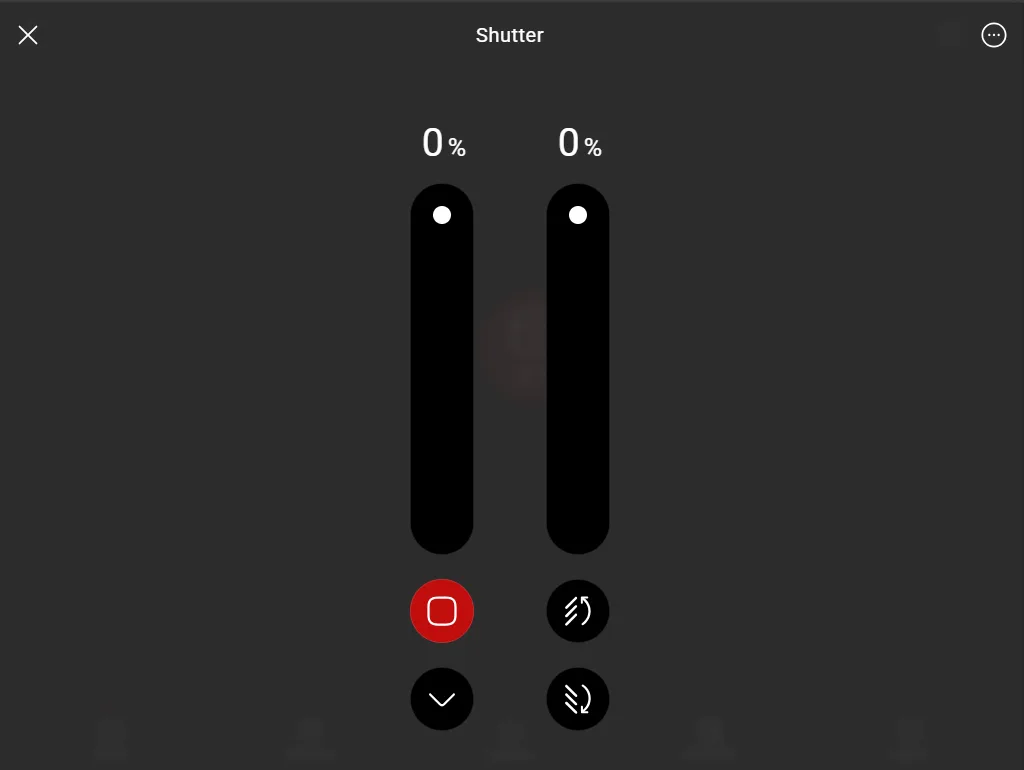
Up/Down open button
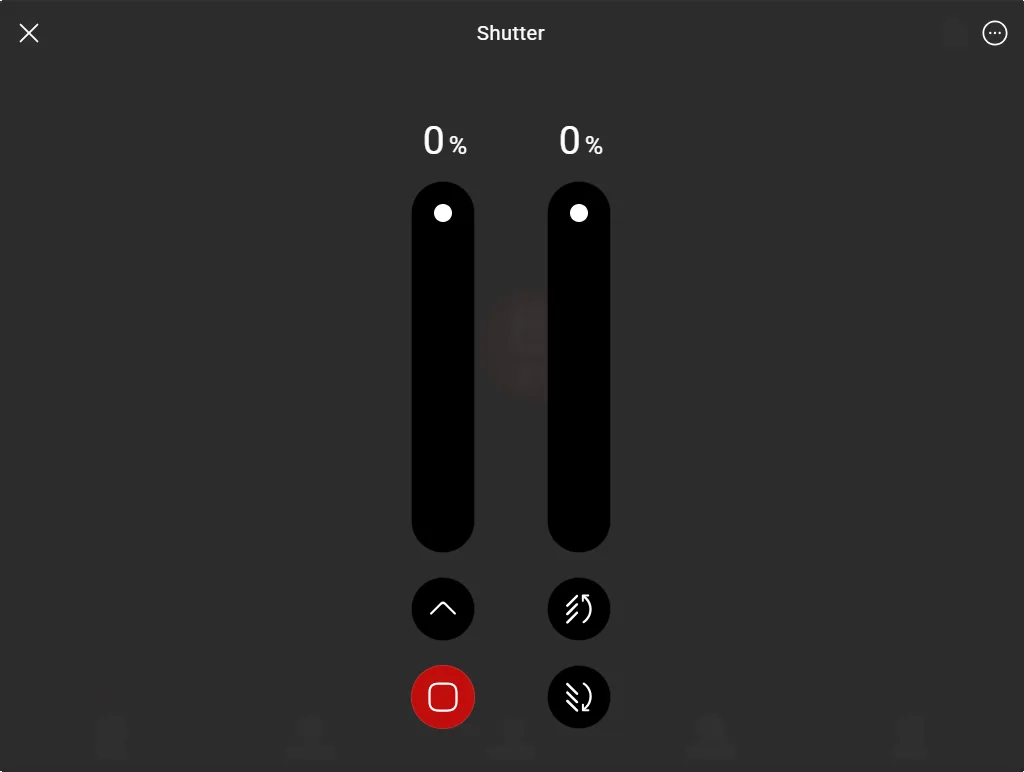
Up/Down close button
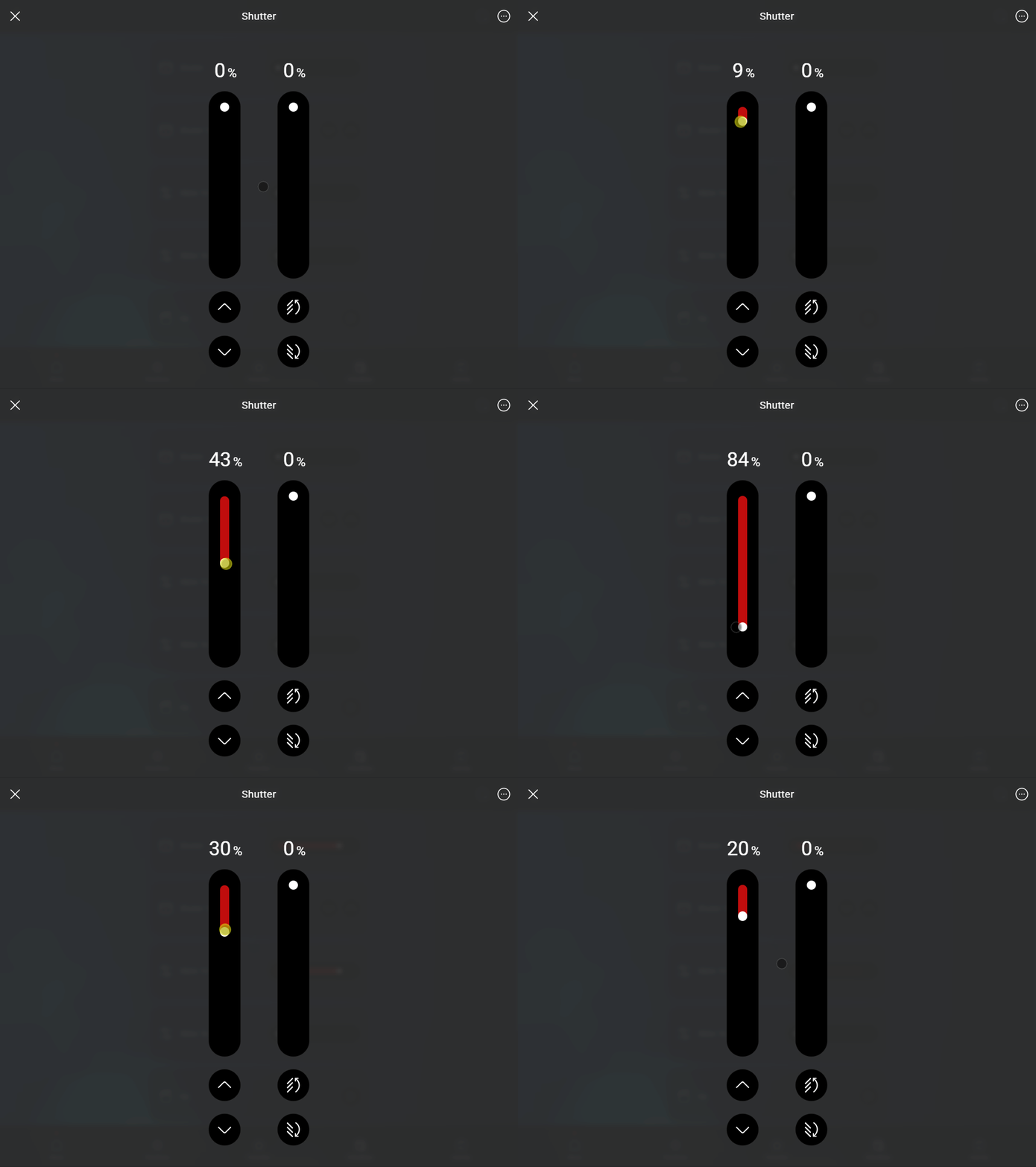
Up/Down slider
SLATS OPEN/CLOSE
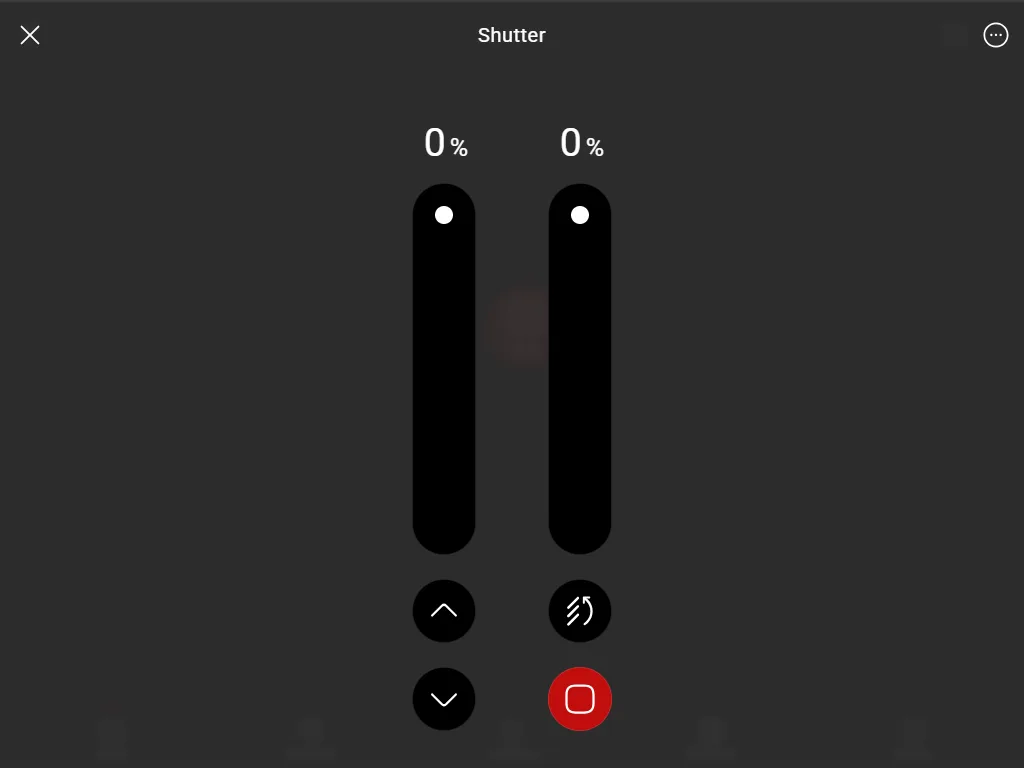
Up/Down slats open button
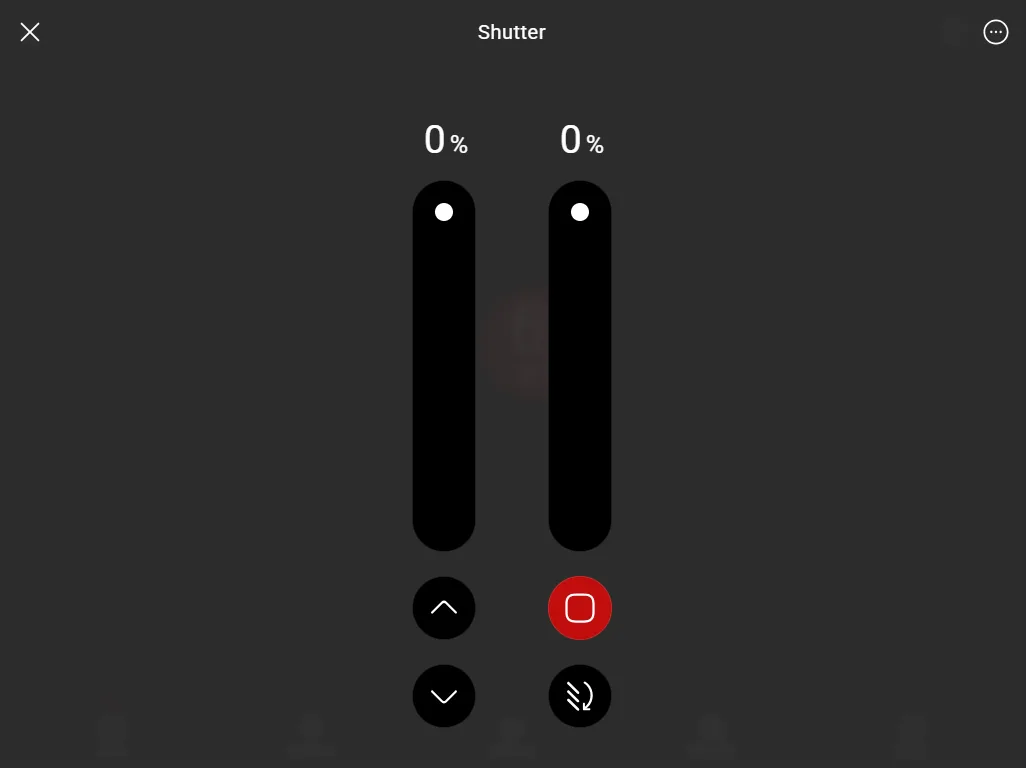
Up/Down slats close button
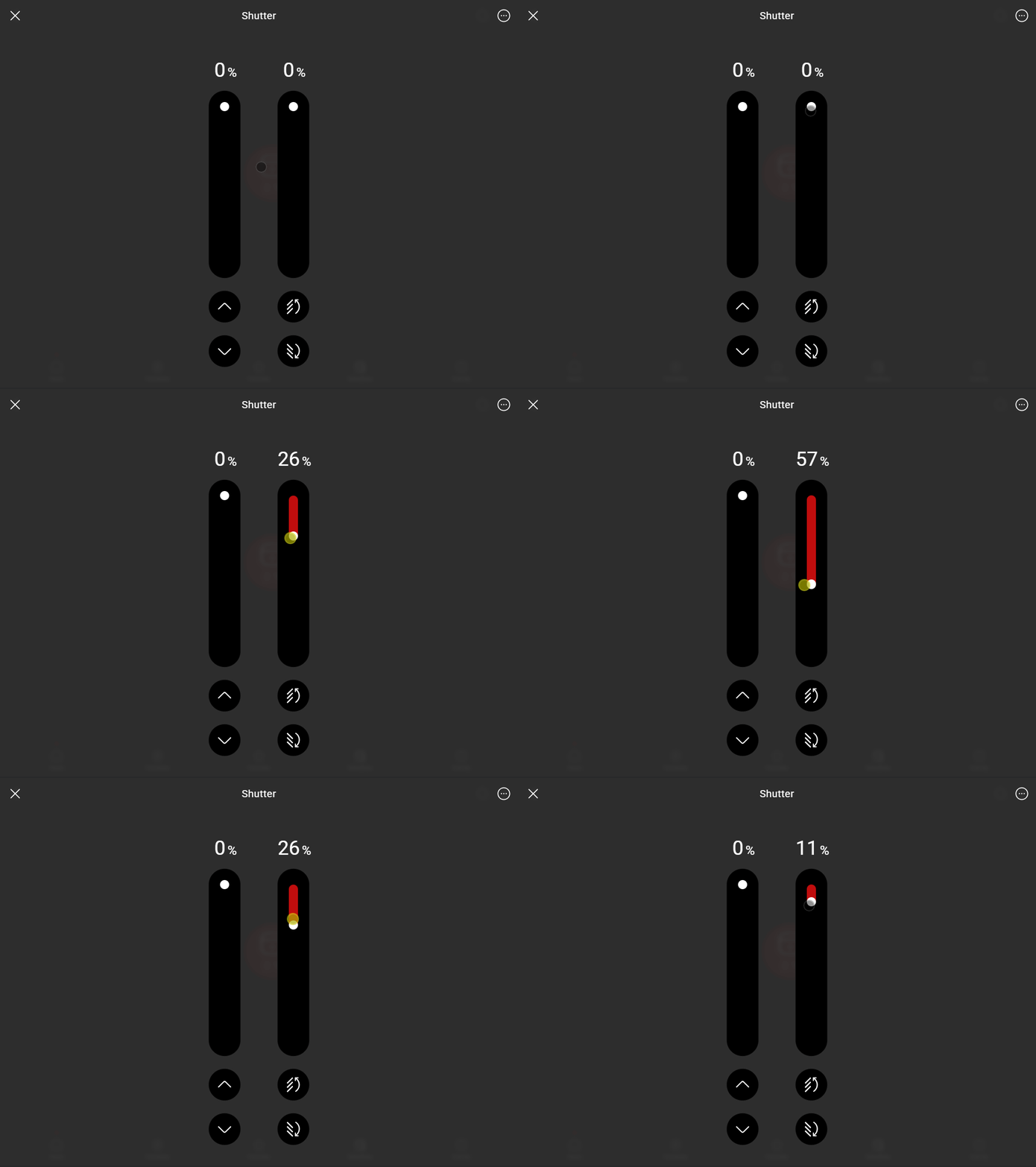
Up/Down slats slider
Blind slats rotation
By connecting two scenario components to the respective drop-down menus called “Blind opening and closing scenario”, you can control the rotation of the slats, if present in the roller shutter. Download here the test project that guides you through their configuration.