Timed switch
How to configure the Timed switch component in Ilevia Manager to automatically turn off a light after a set time, and how it appears in Ilevia Control.
Introduction
The Timed switch component automatically turns off a light after a set period of time.
Use cases
The user wants a light controlled by a motion sensor to turn off after one minute.
Component properties
The component title and icon can be customized. See the “Common properties” guide.
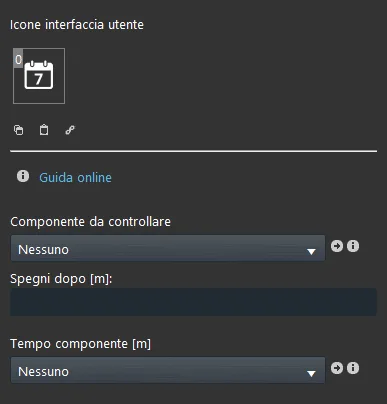
Component to control: select the Switch component;
Switch off after [m]: number of minutes after which the Switch is turned off, once the set time is reached;
Component time [m]: we recommend using an Adjustable value component to select the desired time.
Three display modes are available: “CLASSIC”, “MODAL” and “HIDDEN”. For more information, see the “Common properties” guide.
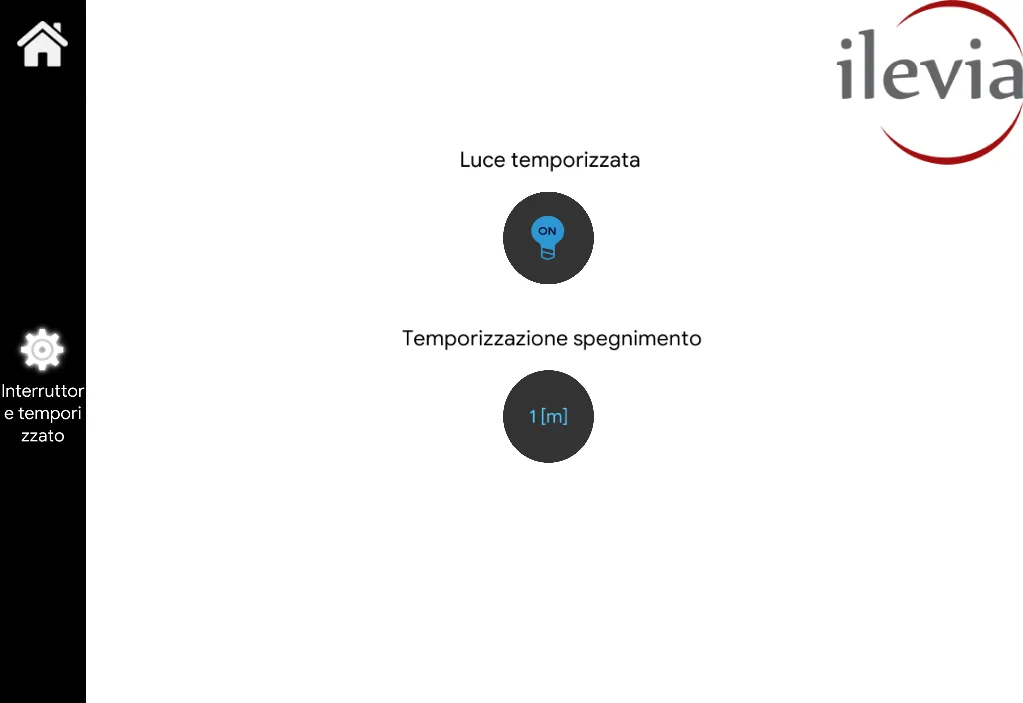
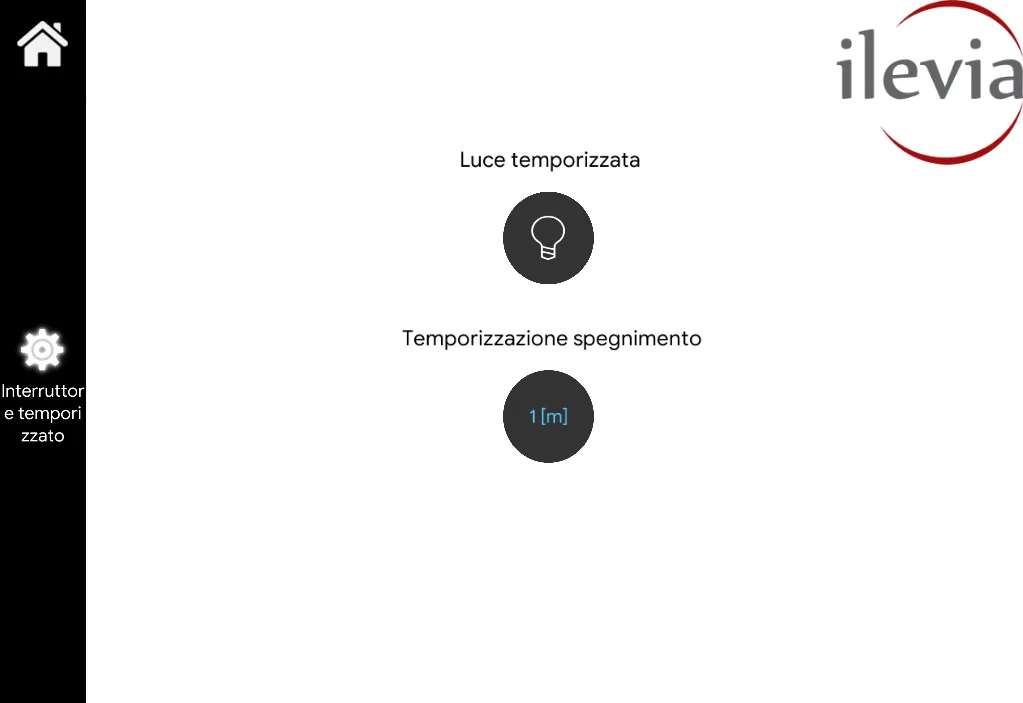
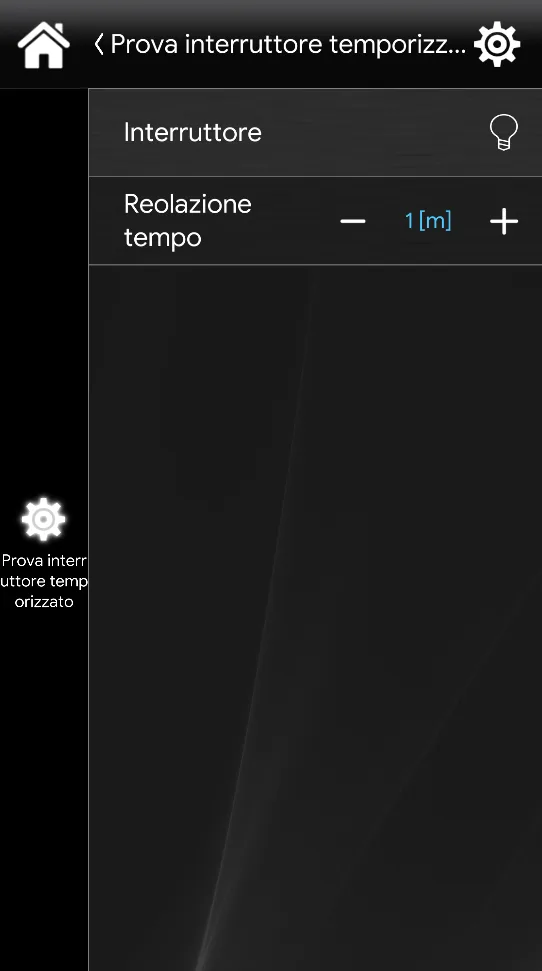
This is the result of the component in Ilevia Control ( Classic view).
Switches are shown as empty button-shaped icons, which light up when selected.
Timed switch

Switch On (blue bulb).

Switch Off (empty bulb).

Set the minutes after which the Switch component is turned off, using the Adjustable value component.
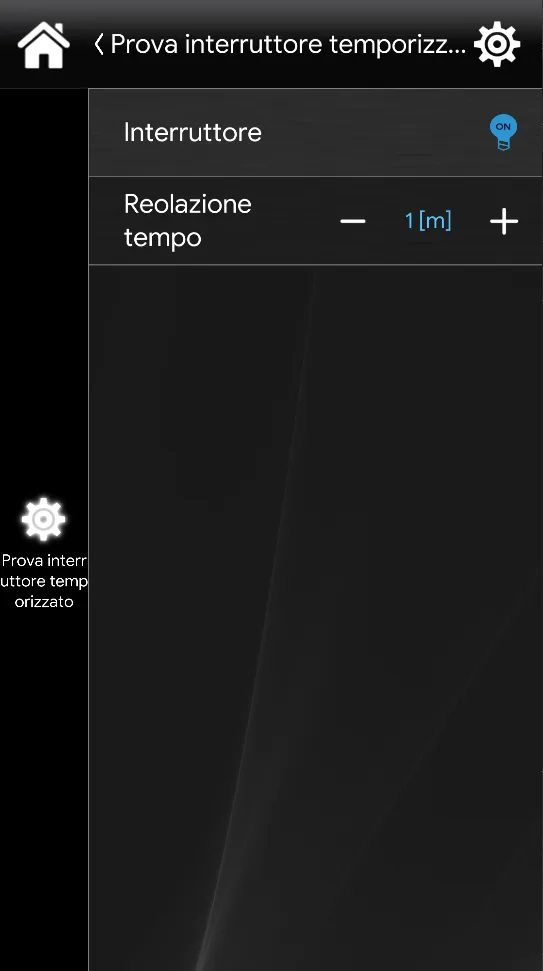
This is the result of the component in Ilevia Control ( Maps view).

This is the icon of the Switch component in Off state in the Maps interface.

This is the icon of the Switch component in On state in the Maps interface.

This is the icon of the Adjustable value component used to set the switch-off time of the Switch component.