Interlock Component
How to configure the Interlock component in Ilevia Manager so that only one switch in a group is active, with a four-switch example.
Introduction
Interlock is a safety mechanism designed to ensure that electrical systems, machinery, or equipment operate safely and in an orderly manner. In the electrical field, it is used, in most cases, to ensure that only one switch in a set is active.
Component properties
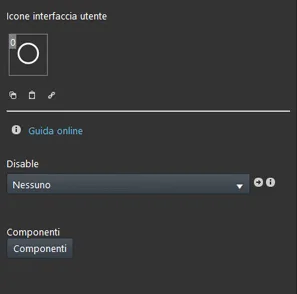
Disable: allows you to disable the Interlock function.
Components: add all Switch components that are considered in the Interlock function.
Example configuration
Step 1:
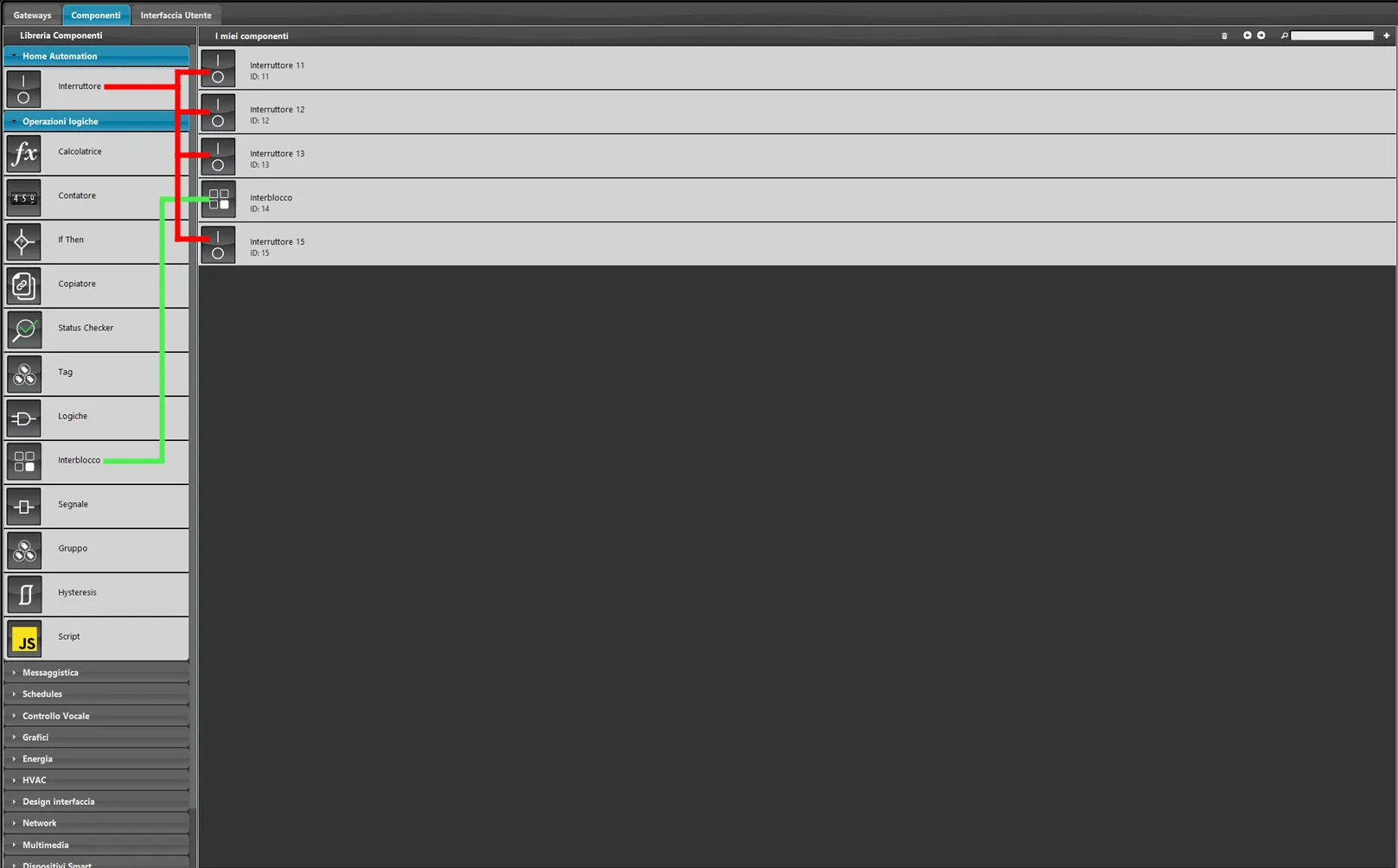
Open the Ilevia Manager software. Go to the Components section and add 4 Switch components.
Step 2:
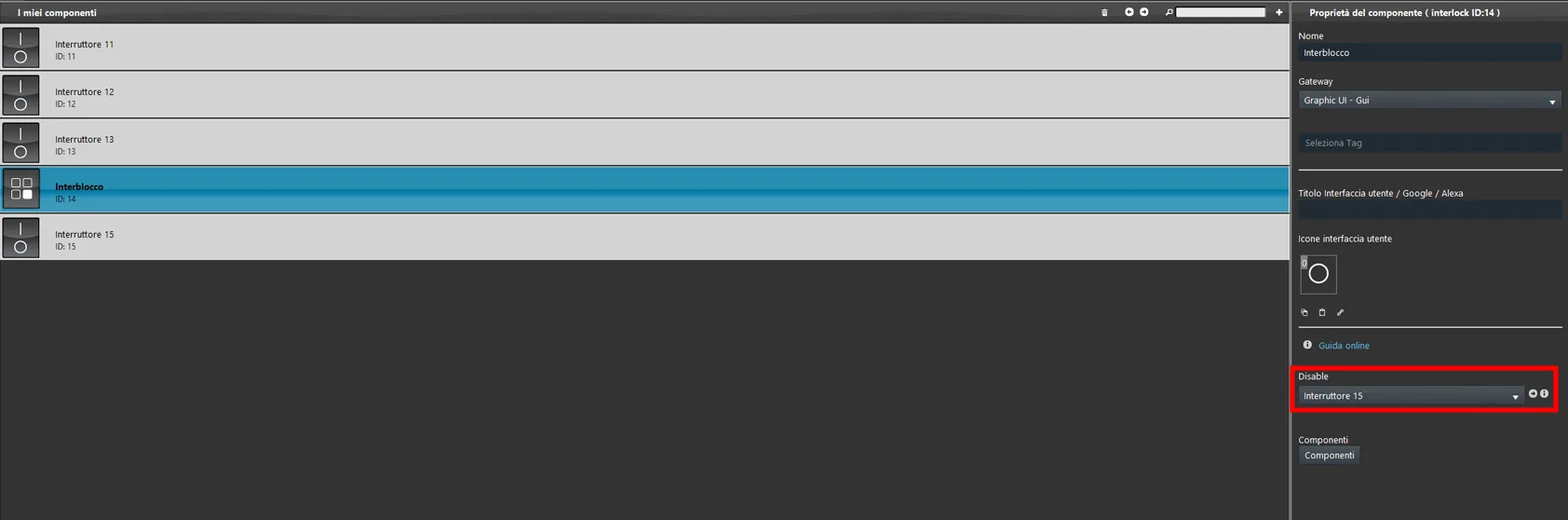
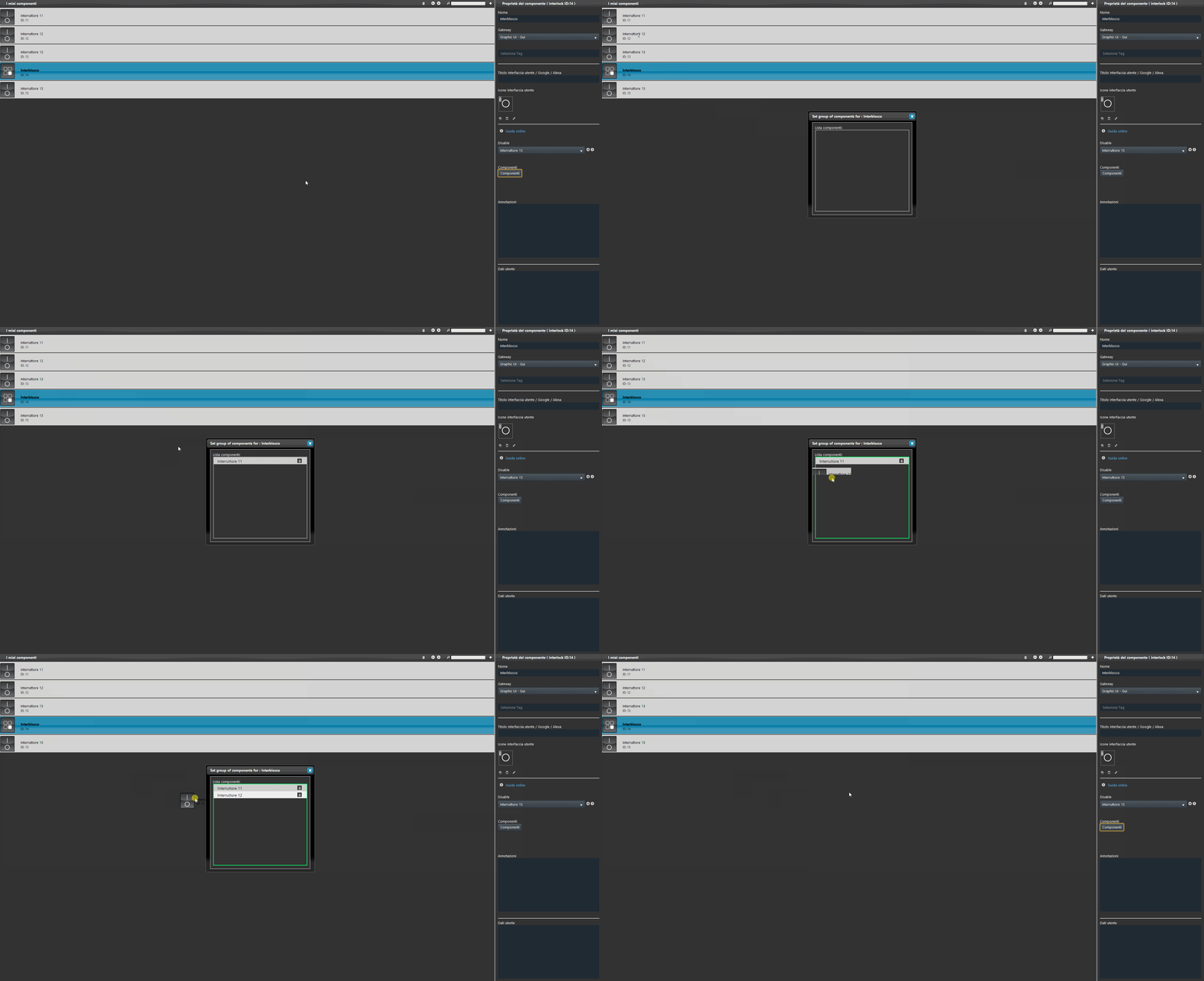
Select the Interlock component, then choose the Switch 15 component from the drop-down menu: in the example, it is the component that enables or disables the Interlock function.
Step 3:
Open the component list by clicking the “Components” button, then drag the Switch components into the list.
Step 4:
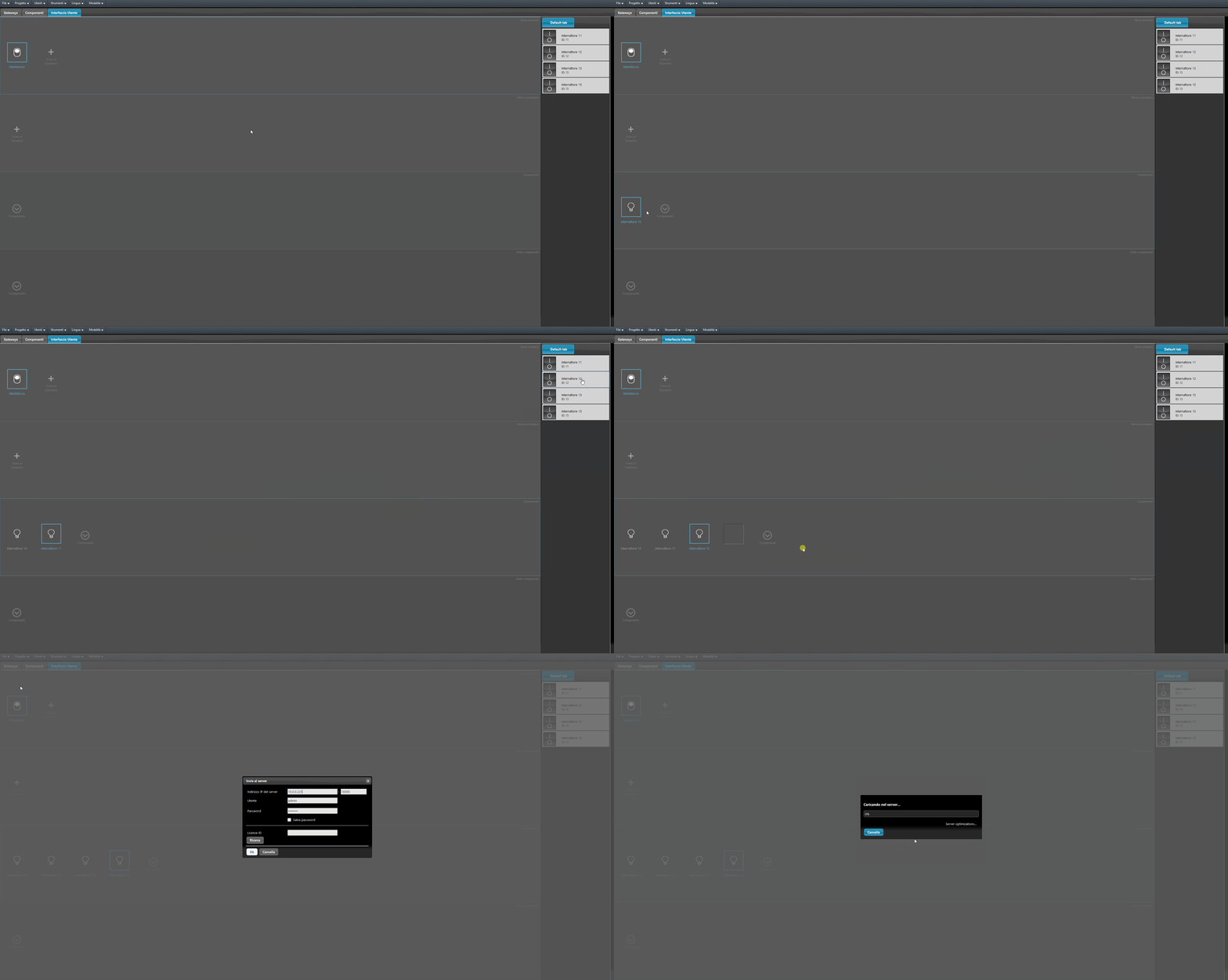
Open the User interface section, add the components to the interface, and finally upload the project to the server.
Step 5:
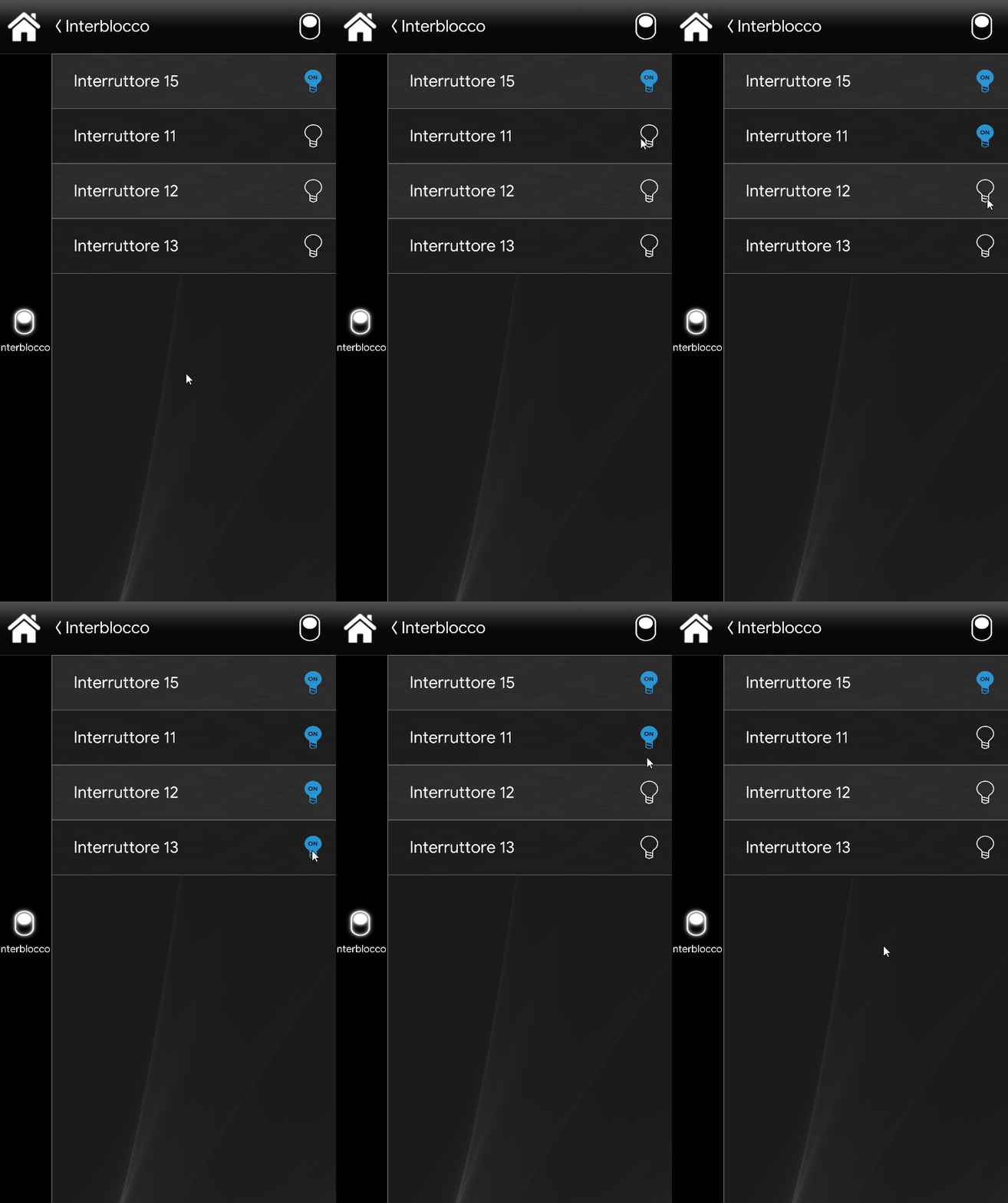
The following example shows how the Interlock function works in the Classic interface of the Ilevia Remote Plus control application.
Interlock function enabled
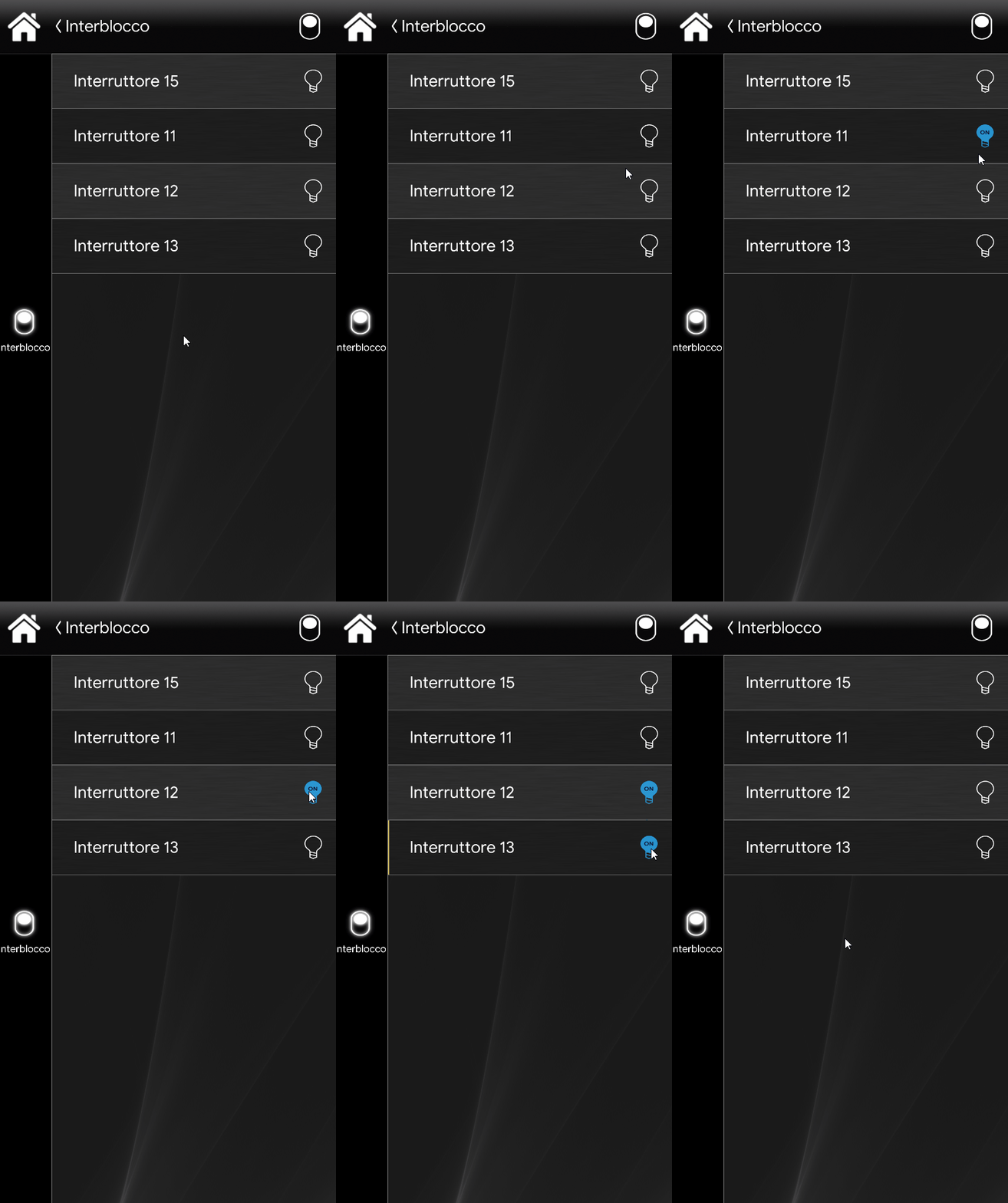
Interlock function disabled