Dahua IVS Wizard
This guide explains how to configure rules within the Dahua IVS Wizard in the Ilevia configuration software.
Information before proceeding: first consult the following guide, which explains how to integrate Dahua IVS into the configuration software:
Dahua IVS integration guide: Dahua IVS integration
Introduction
This guide explains how the Dahua IVS wizard works and how to set up rules between Dahua IVS IP camera events and devices integrated with Ilevia.
Component parameters
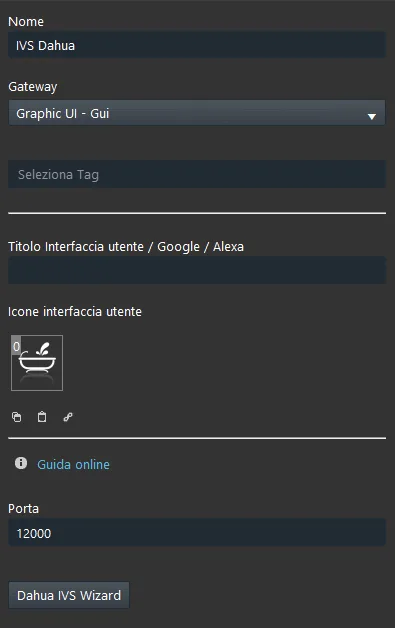
Port: Customizable parameter; it represents the port used by the X1 server to receive IVS commands from the IP camera.
Dahua IVS Wizard: this wizard allows you to create logic between Ilevia project devices and the Dahua IP camera.
Wizard configuration
As mentioned above, the Dahua IVS wizard allows you to create logic between the Dahua IVS events present in the Ilevia project.
Step 1:
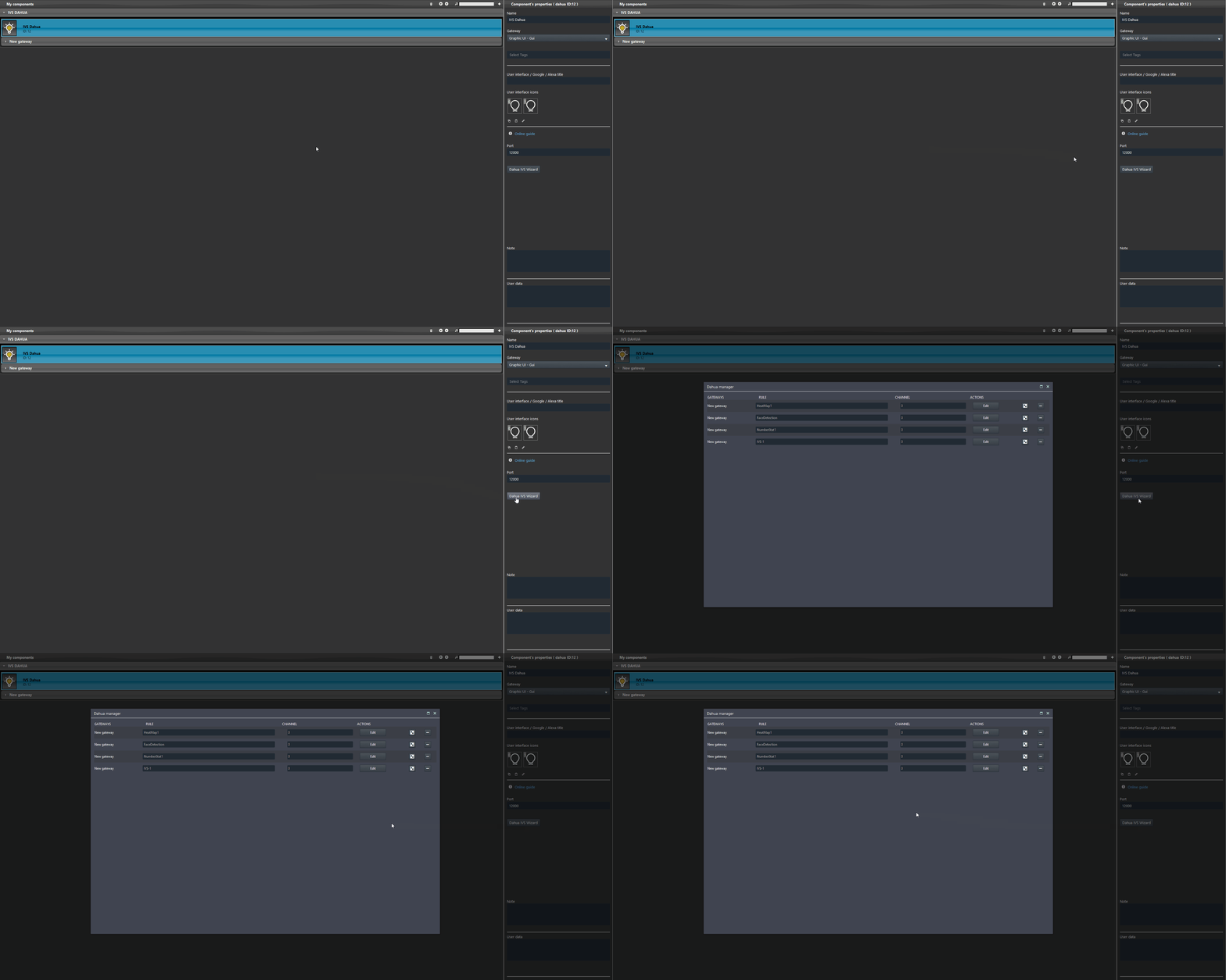
Access the wizard interface by clicking “Dahua IVS Wizard” in the Dahua IVS component parameters.
Step 2:
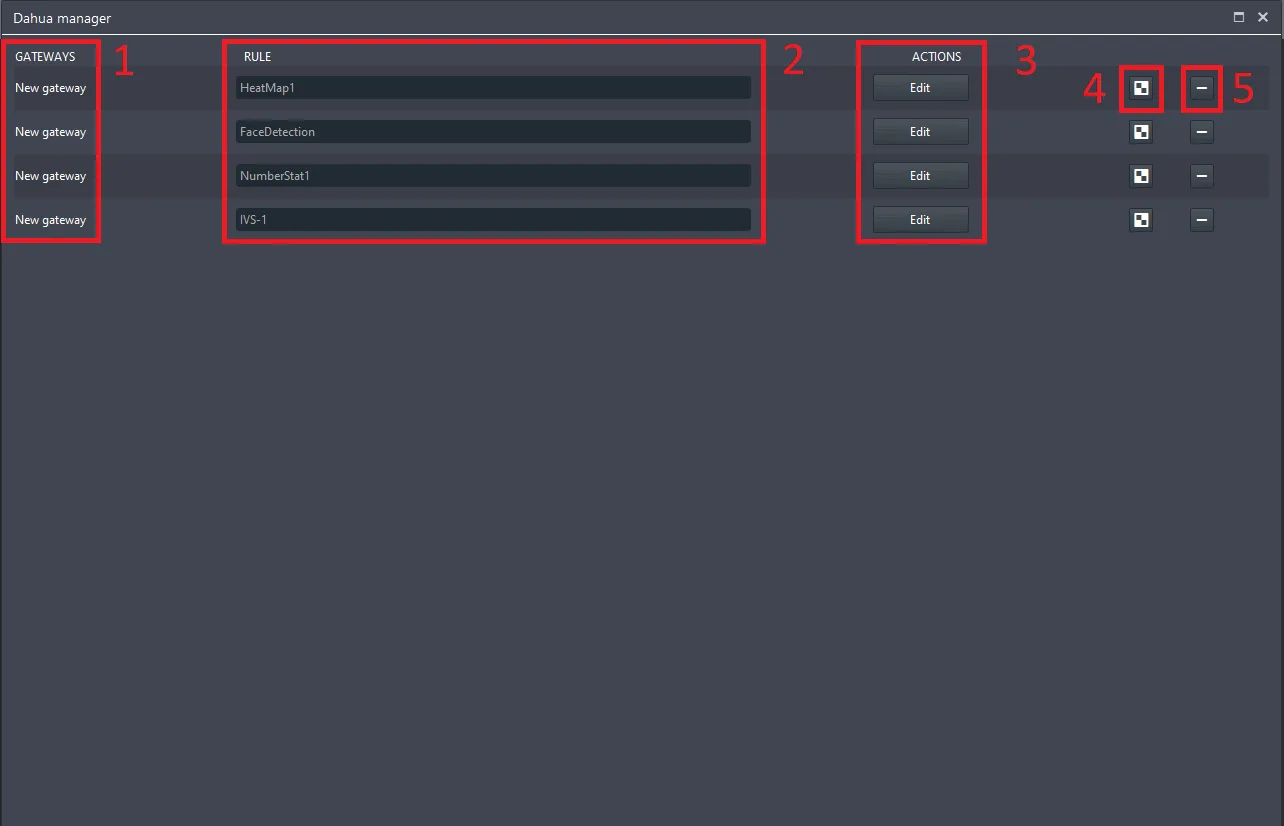
The IVS events configured in the Dahua IP camera web interface are listed here.
Gateway: name of the gateway to which the web interface is connected.
Rule: This list represents all imported IVS rules.
Action: clicking Edit opens a new window, where you can create interactions between Ilevia project components.
Copy: This button copies and adds a new row to the Wizard list of the Dahua IVS component.
Delete: this button deletes the IVS rule and all related settings.
Step 3:
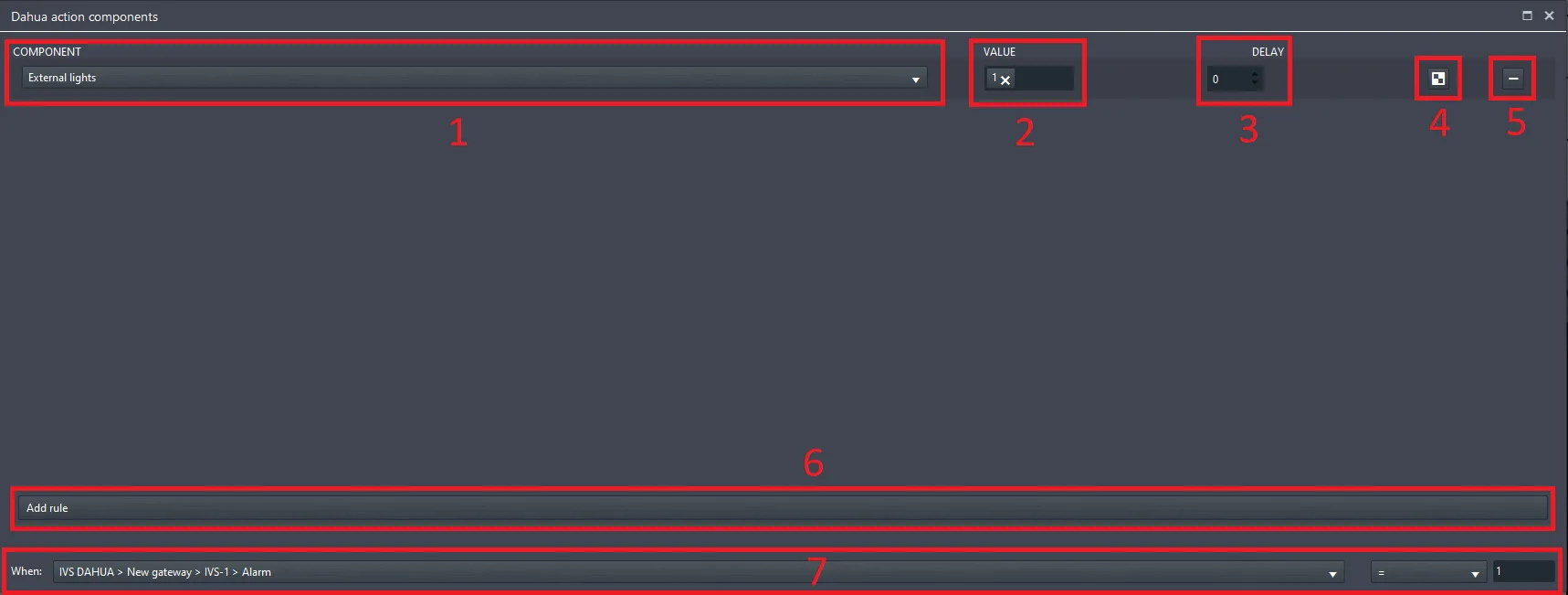
By clicking “Edit” a new window opens, where you can add the components that will be executed when the IVS event occurs.
Component: here you add the component that will be executed when the IVS event occurs.
Value: set here the value that will be assigned to the component chosen in the previous parameter.
Delay: This parameter allows you to apply a delay between the actions in the list.
Copy: This button copies the row.
Delete: This button allows you to delete the row.
Add rule: This button adds a new row to the list above.
When: connect here the component that allows the action added in the list to be executed, then specify the condition that triggers the actions in the list.