Web Page Component
How to configure the Web Page component in Ilevia Manager to display a web page in the Ilevia Control user interface.
Introduction
The Web Page component lets you embed a web page in the Ilevia Control user interface.
Use cases
The user wants to view a specific web page without leaving the Ilevia Control application.
Component properties
This component is created with the WEB gateway.
See the chapter “Gateway / protocols” for more information.
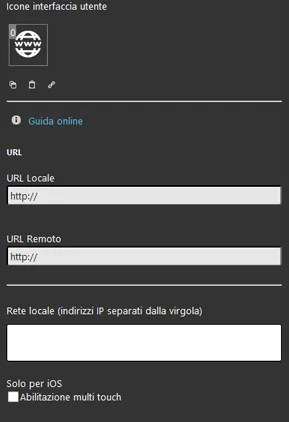
Local URL: enter the local URL of the web page (e.g. http://192.168.0.1) to display in the interface;
Remote URL: enter the remote URL of the web page (e.g. http://www.google.it) to display in the interface;
Local Area Network: enter the local network address by typing the first three numbers (octets) of the IP address. For example, to connect to 192.168.0.1, enter 192.168.0.
iOS only
Enable multi touch gesture: allows zooming in and out within the web page.
Three display modes are available: “CLASSIC”, “MODAL” and “HIDDEN”. Learn more about component display modes.
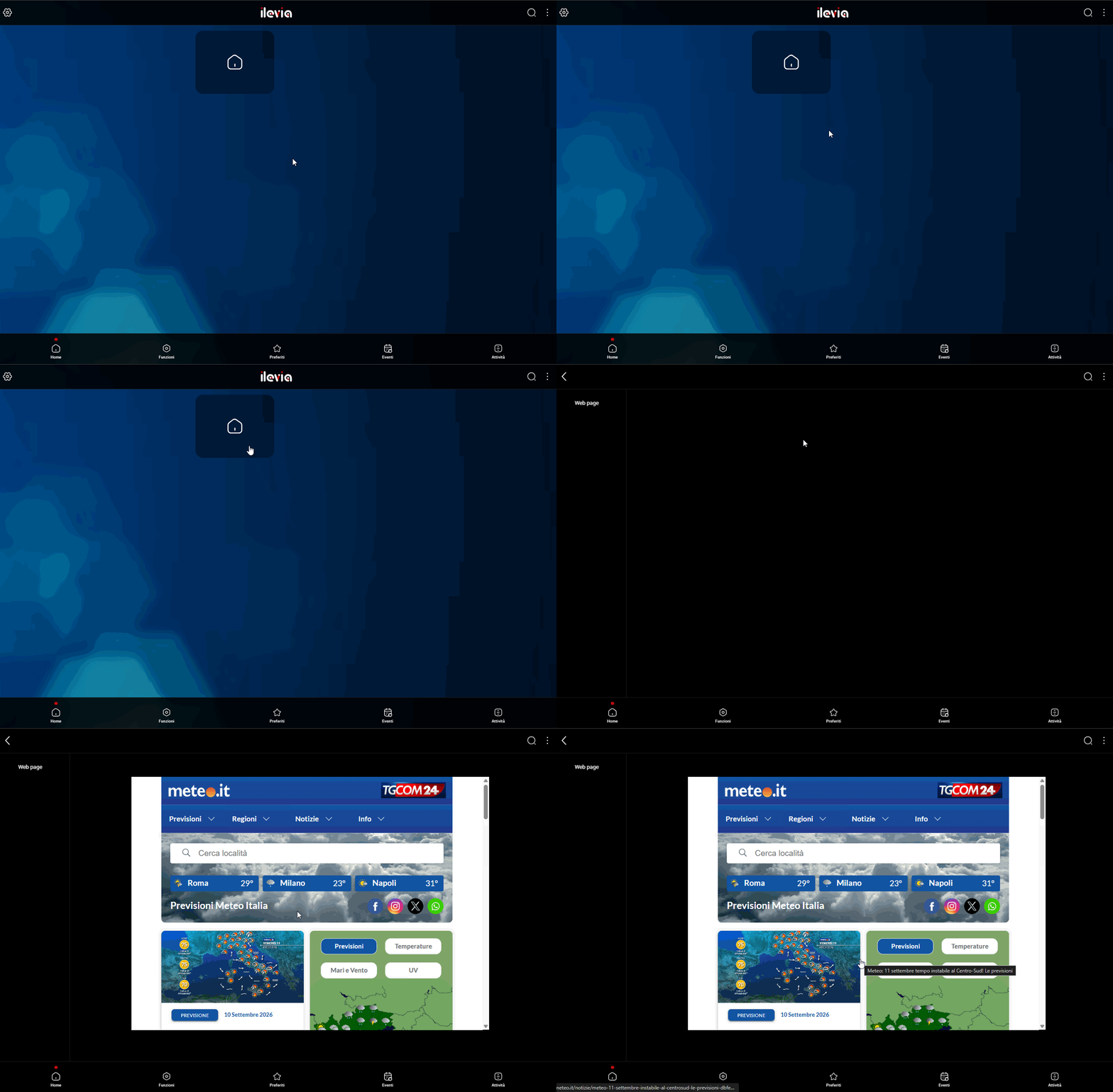
Here is the visual result of the component in Ilevia Control ( Classic style).
The web page opens directly within Ilevia Control without using an external browser.
Classic view
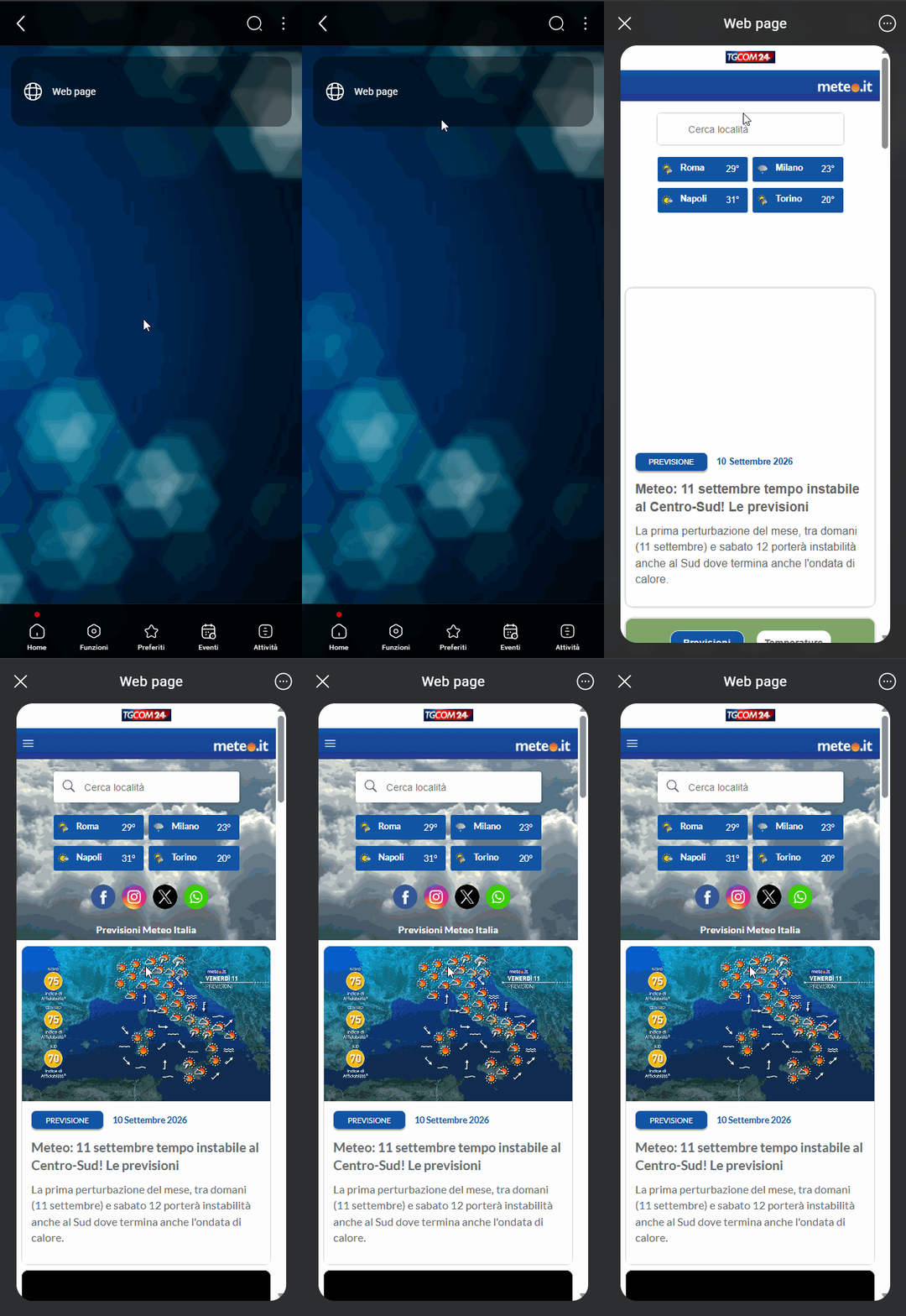
Here is the visual result of the component in Ilevia Control ( Maps style).
The web page opens directly within Ilevia Control without using an external browser.
Modal view: the modal view requires the user to open the Web Page component details to display the page configured in the component settings.
Popup view: the popup view automatically opens the web page configured in the Web Page component settings.
Modal view
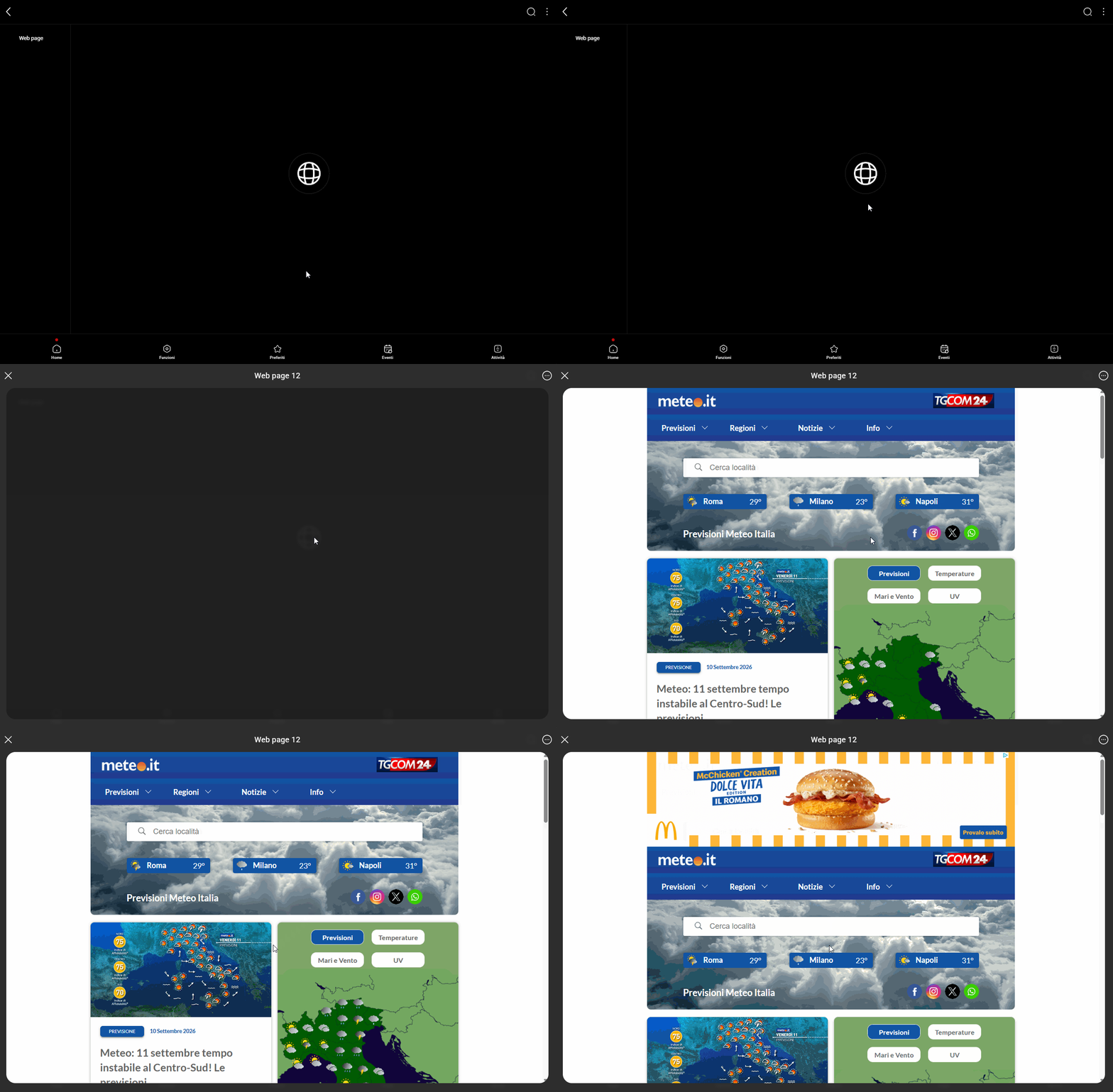
Popup view