Browser
How to configure the Browser component in Ilevia Manager to open a web page from the Ilevia Control app.
INTRODUCTION
By tapping the component icon in the Ilevia Control app user interface, the web page specified in the component settings opens in the device’s default browser.
USE CASES
The user wants to view weather forecasts to schedule irrigation cycles.
The owner of a B&B can add a link to the guides related to the components present on the various pages of the application.
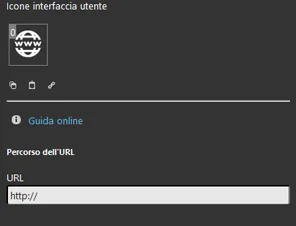
COMPONENT PROPERTIES
URL
This component was created using the WEB gateway.
You can refer to the chapter "Gateway / protocols" for further information.
URL path: enter the URL of the page you want to open in the browser.
Three display modes are available: "CLASSIC", "MODAL" and "HIDDEN". For more information, see the guide "Common properties".
This is one of the possible results of the component in Ilevia Control (style Classic and Maps).
The component title and icon can be customized. See the guide "Common properties".
In this case, it is displayed with the default icon:
Browser ⇒ Browser icon

Default icon (customizable)
The Browser component opens the page with the URL entered in the component properties, in the device’s default browser.
Classic interface
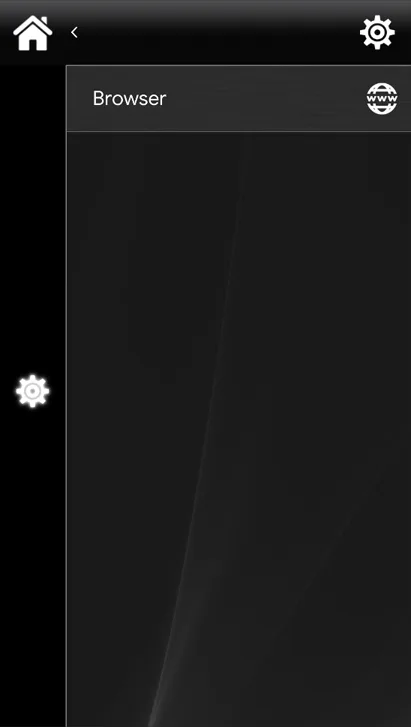
Map interface