
Copier
How to configure the Copier component in Ilevia Manager to copy the state of one component to other components.
INTRODUCTION
This component allows you to copy the state of one component to other components. For example, a group of lights must switch on together but is configured on different protocols: in this way a Modbus switch can be "copied" to a switch on another protocol (KNX, Vimar) or can change the station of a Vivaldi device.
USE CASES
The user wants to change the temperature of a group of thermostats.
The user wants to activate a group of loads at the same time.
COMPONENT PROPERTIES
GUI
This component was created using the Graphic UI gateway.
You can refer to the chapter "Gateway / protocols" for further information.
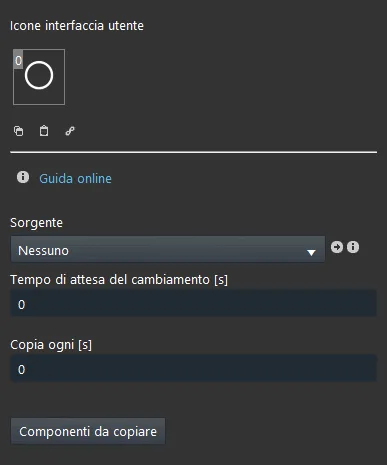
Source: the component from which the value is copied;
Change delay [s]: waiting time (in seconds) before the value is copied from the source component to the selected components;
Copy every [s]: the source component value is copied to the destination component every time this interval (in seconds) elapses;
Components to copy: the components to which the source component value will be copied. To add them, click the "linked components" button to open the component import window, then drag the desired components into the list.
Reminder before continuing:
Download and install the Ilevia Logic plugin to enable plugins (link);
After uploading the project to the Ilevia server, wait a couple of minutes for the logic to start.
CLASSIC VIEW
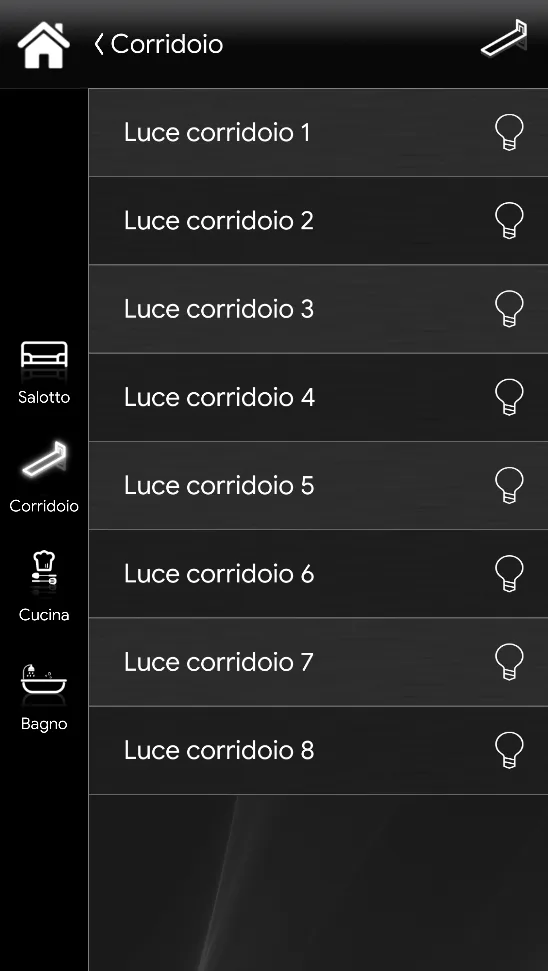
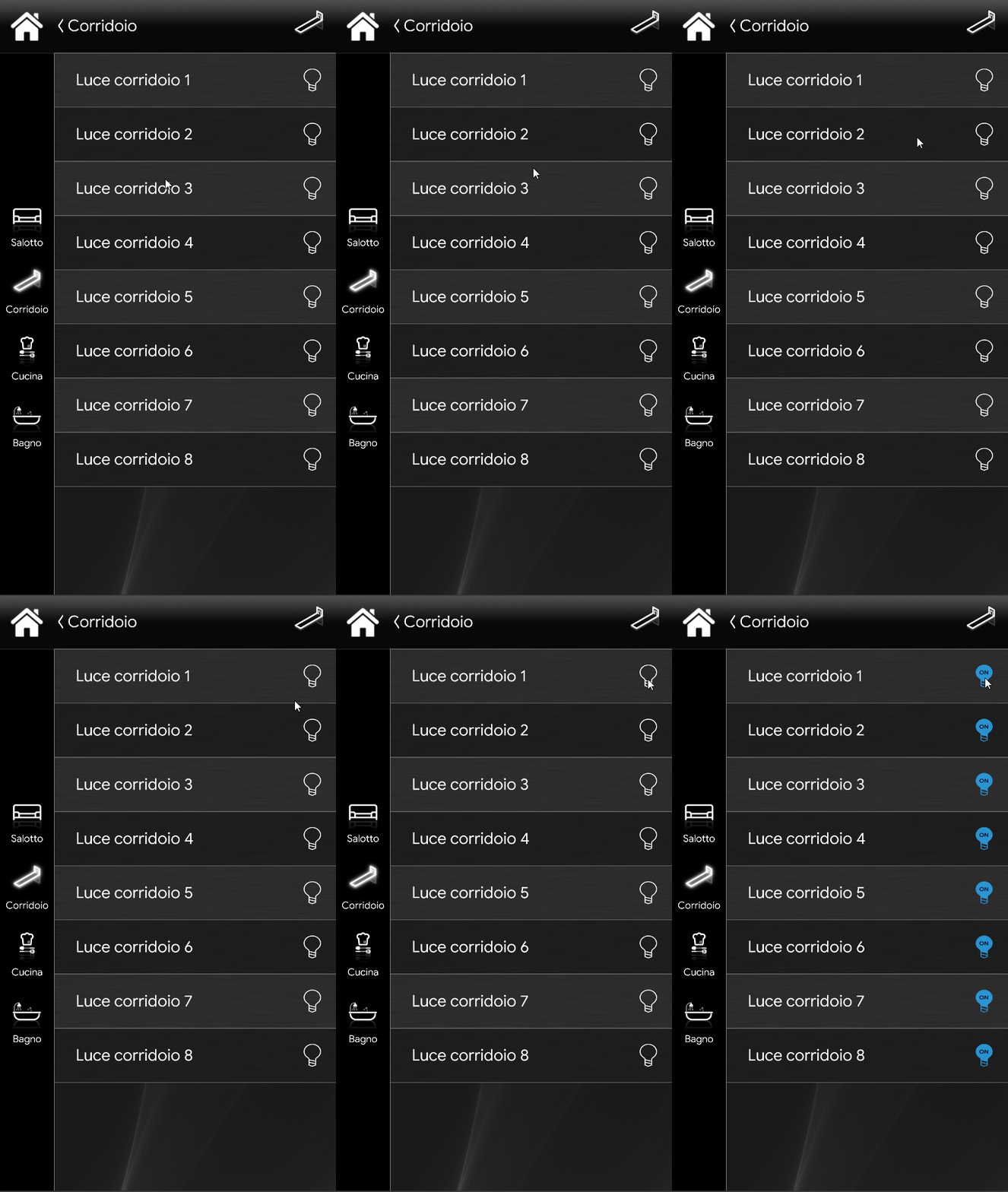
This example shows one of the possible ways to represent, in the Ilevia user interface (Classic style), the components that make up the Copier.
In this example, a group of corridor lights is simulated: when the first corridor light is switched on, the others switch on accordingly.
MAP VIEW
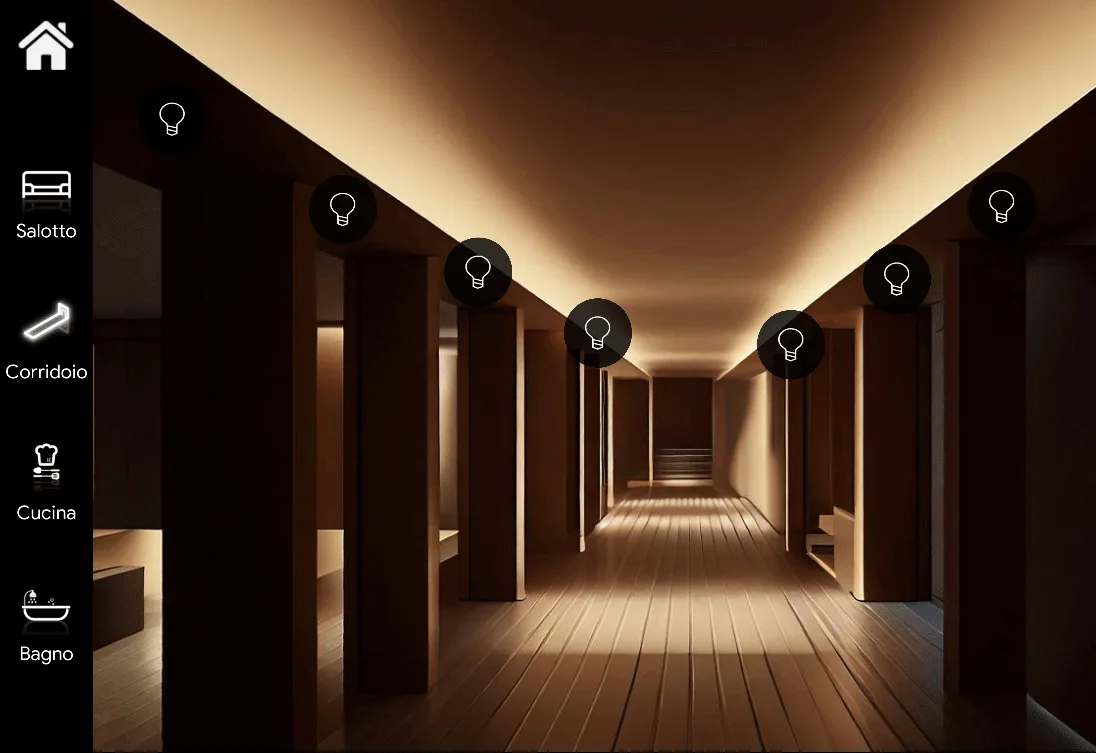
The following example shows one of the endless possibilities for displaying the Copier components in the Ilevia user interface (Map style).
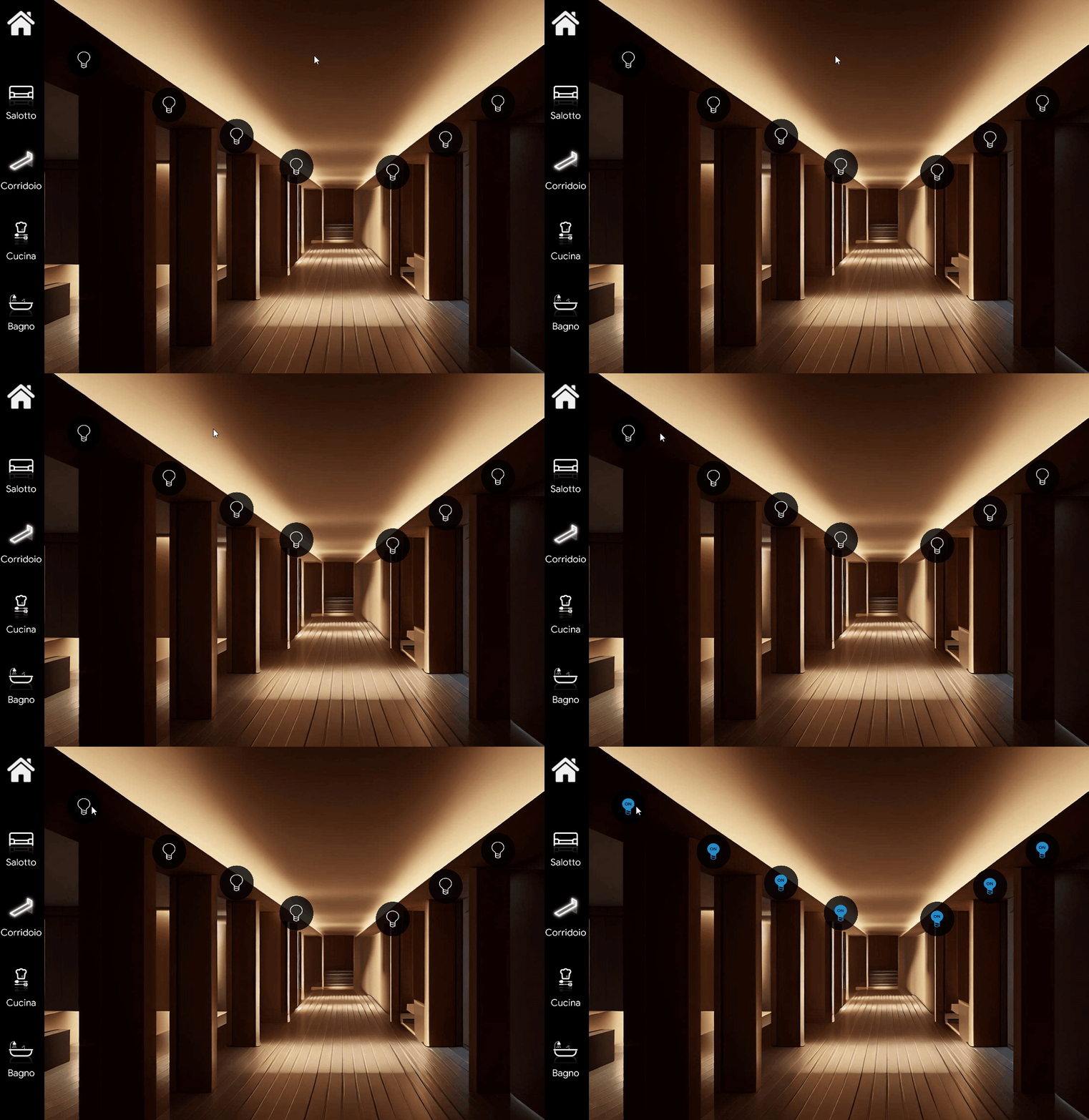
Click this link to view the example guide for configuring the Copier component.
Click the link to download the example project and try it.