
IP camera image
Complete guide on how to set up the IP Camera Image component within the Ilevia Manager home automation configuration software.
Note: it is possible to integrate this component with the Email component.
Introduction
This component is useful when configuring the Email plugin module. Use the IP Camera Image component to define the URL address from which the image is retrieved.
Use cases
The user wants to receive the camera image by email as an attachment when someone rings the doorbell and they are away from home.
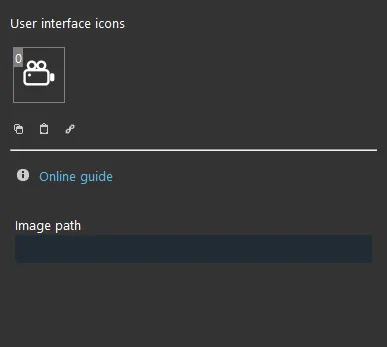
Component properties
The component title and icon are customizable. See the “Common properties” guide.
GUI
This component was created using the Graphic UI gateway.
Refer to the chapter “Gateway / protocols” for further information.
Image path: URL address of the IP camera image. If you do not know this URL, we recommend looking it up with this site.
Reminder before continuing:
Download and install the Logiche module to enable the plugins (link);
After uploading the Ilevia project to the server, wait a couple of minutes for the logic to start.