
Dimmer Component
How to combine a Switch and a Slider in the Dimmer component to turn on a light and adjust its intensity from Ilevia Control.
Introduction
Dimmers are devices used to adjust the brightness of lights. The Dimmer component combines a switch and a slider to turn the light on/off and adjust its intensity.
Use cases
The user can combine two components, a switch and a slider, to create a complete Dimmer component, which allows control of both the switching on and the brightness of the light.
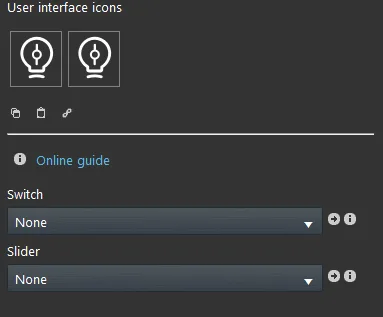
Component properties
The component title and icon are customizable. See the “common properties” guide.
Switch: lets you turn the light or the connected component on or off; it is recommended to use the Switch component.
Slider: lets you connect a “Slider” component to control the brightness of the light.
There are three possible display modes: “Classic”, “Modal”, and “Hidden”. For more information, see the “Common properties” guide.
Classic view
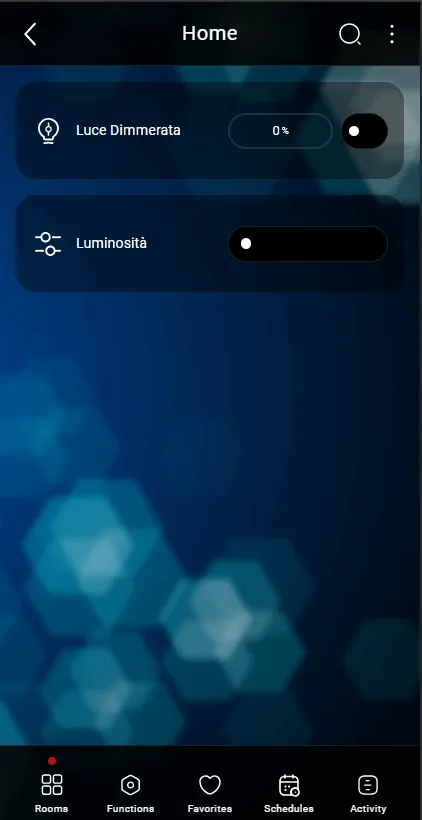
Here is the component result in the Ilevia Control app (Classic style).
The switch is shown as an empty button that lights up when selected.
Switches

Light Off

Light On
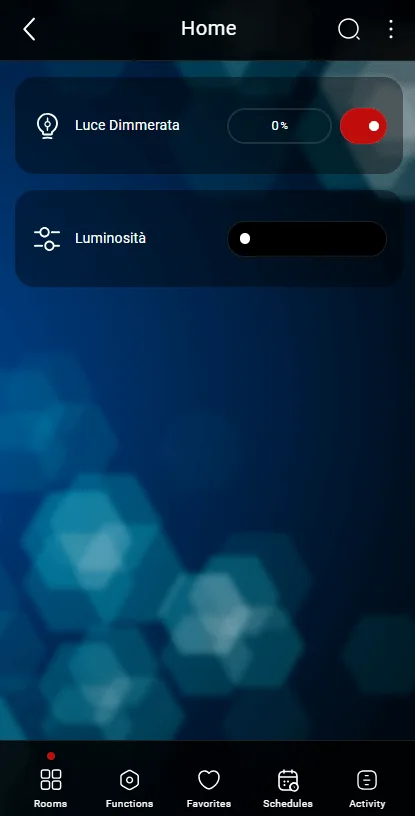
Here is another component result in the Ilevia Control app (Classic style).
The slider is the component used to control the brightness of a light.
Slider

Slider to the left (darker)

Slider to the right (brighter)
Map view
This is one of the possible results of the Dimmer component in the Ilevia Control app (in Map style).
The icons can be customized as needed, from the symbol to the color and size.
In this case, the dimmer widget is shown (slider + switch):
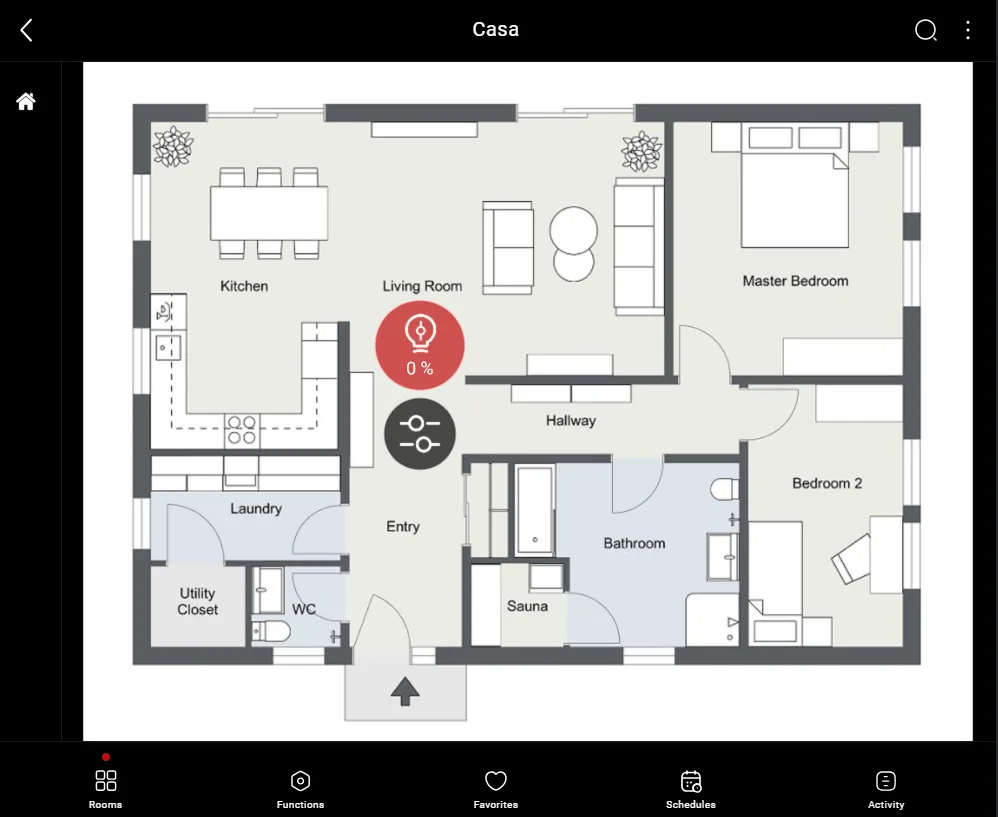
Lights On/Off: click the bulb icon

Lights Off (empty bulb)

Lights On (blue bulb)
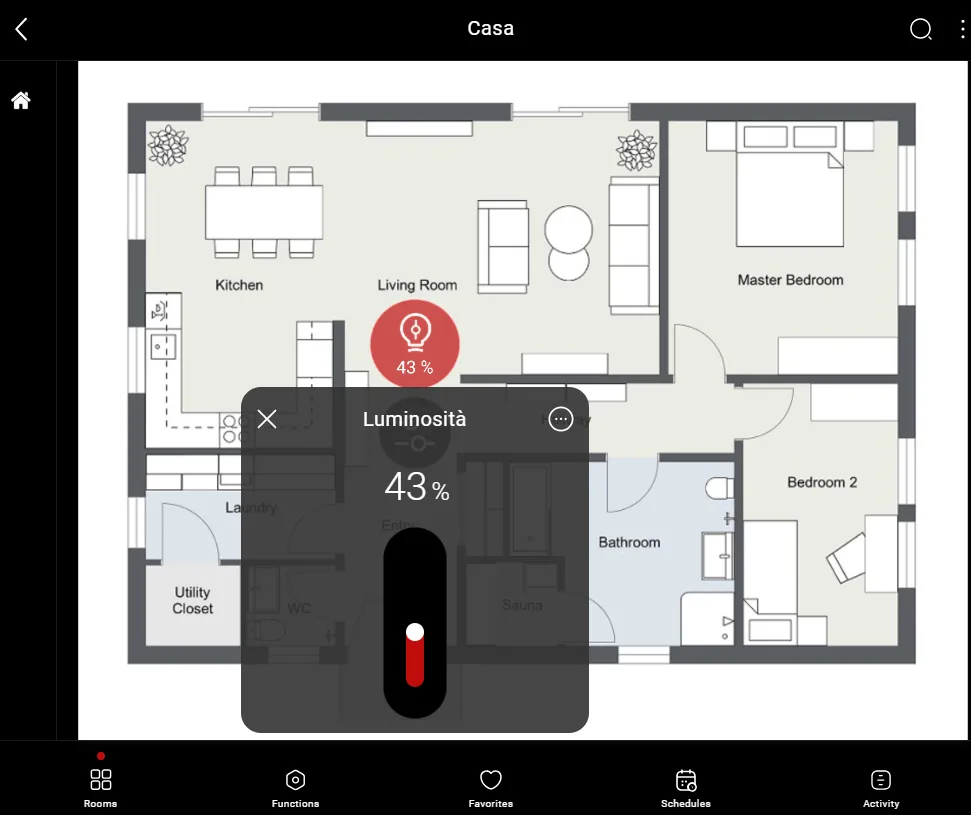
Hold down the bulb to activate the slider
Slider to the left (minimum brightness)
Slider to the right (maximum brightness)