
Real-time chart
How to configure the Real-time chart component in Ilevia Manager to view the data of a component, only in the Maps interface.
Introduction
This component allows you to view the data of a specific component in real time. It can be used, for example, to view the consumption of an appliance in real time.
Note! This component works only in the Maps User interface.
Component properties
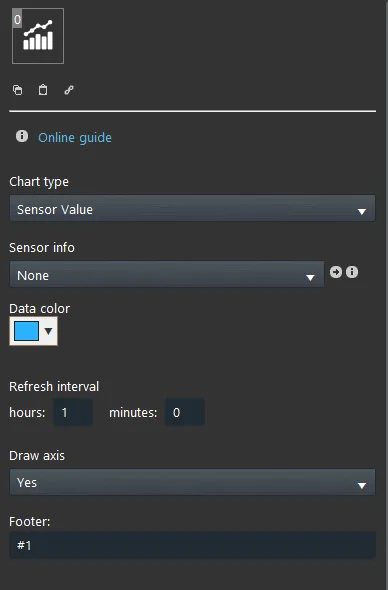
Chart type: here you set the chart type.
Sensor information: connect here the component that will be shown within the chart.
Data color: Here select the data in the chart.
Update interval: here you set the polling interval that will be applied to the value of the data shown in the chart.
Draw axis: this option lets you choose whether to show the axes within the app interface.
Footer: set here the text that will be added in the footer, on the left side of the chart.
Component configuration
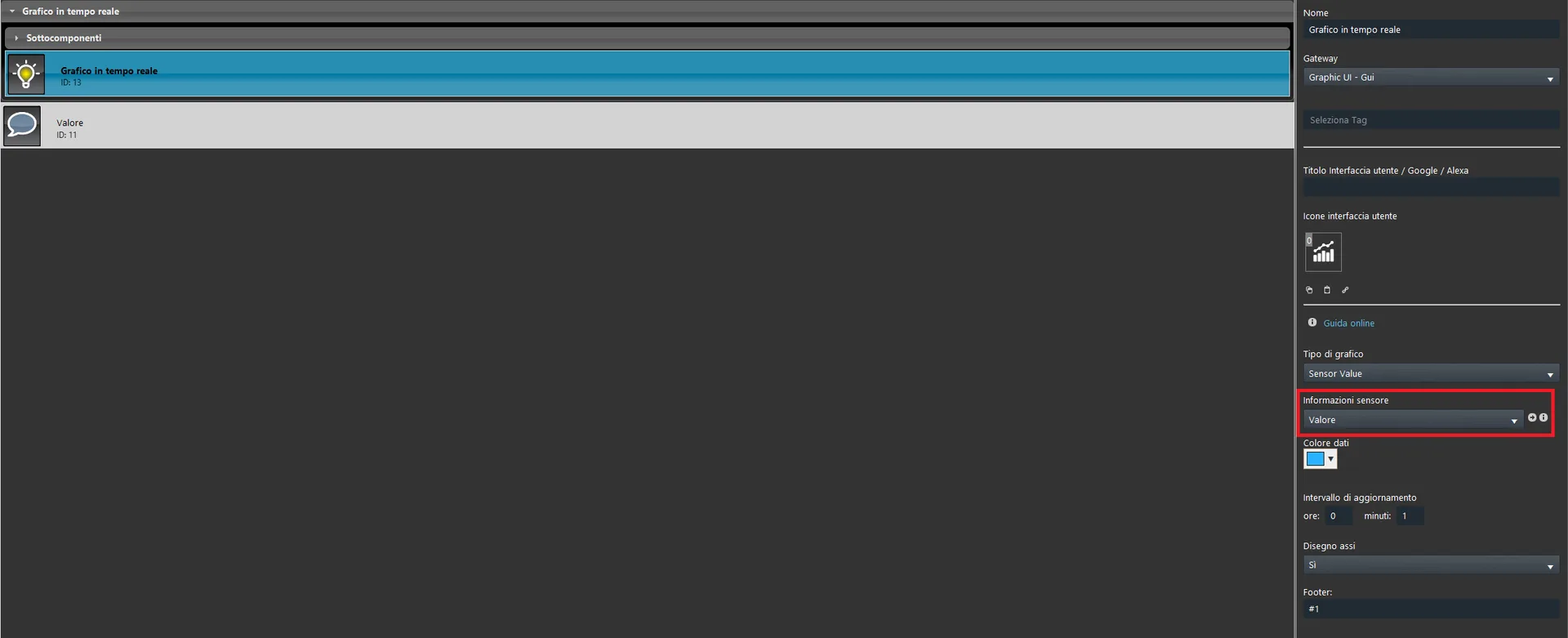
Step 1:
Connect the Info component to the Sensor information parameter. It will be shown within the Real-time chart in the Ilevia app interface.
Step 2:
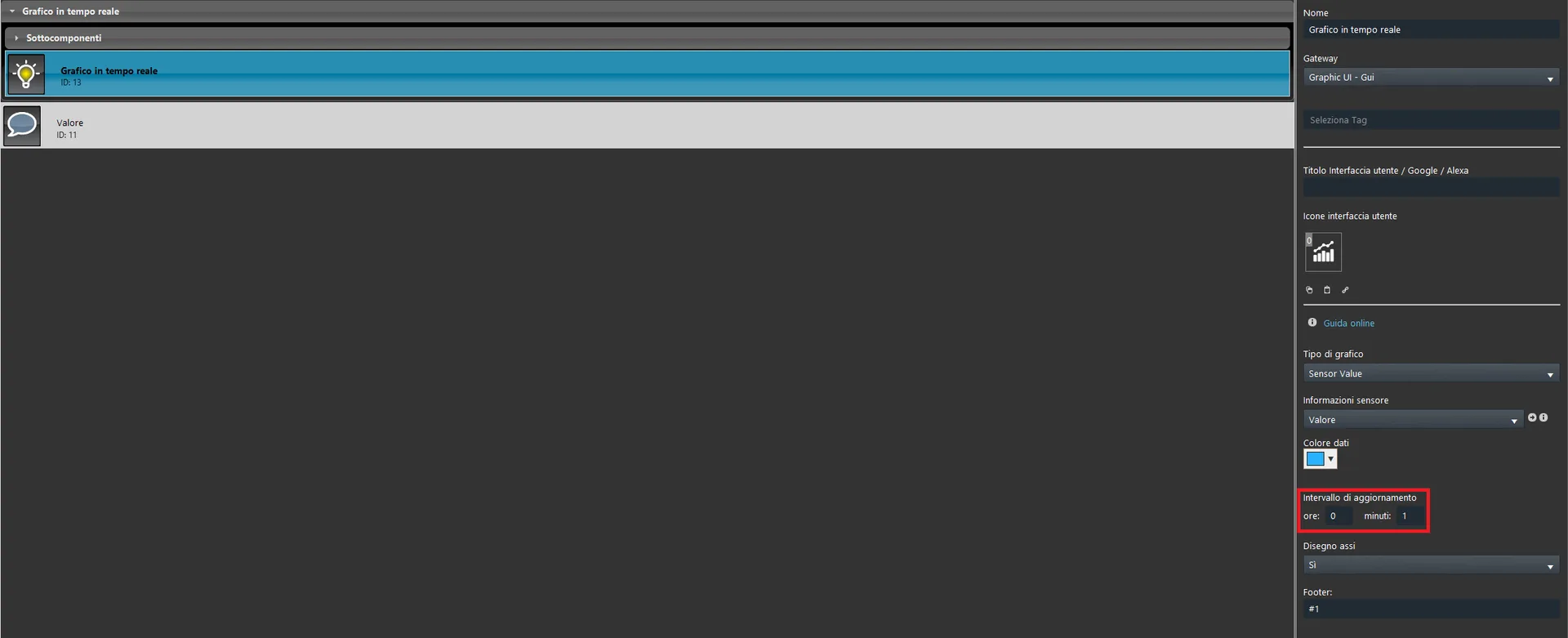
Set the update interval: this defines how often the data is updated in the user interface chart.
Step 3:
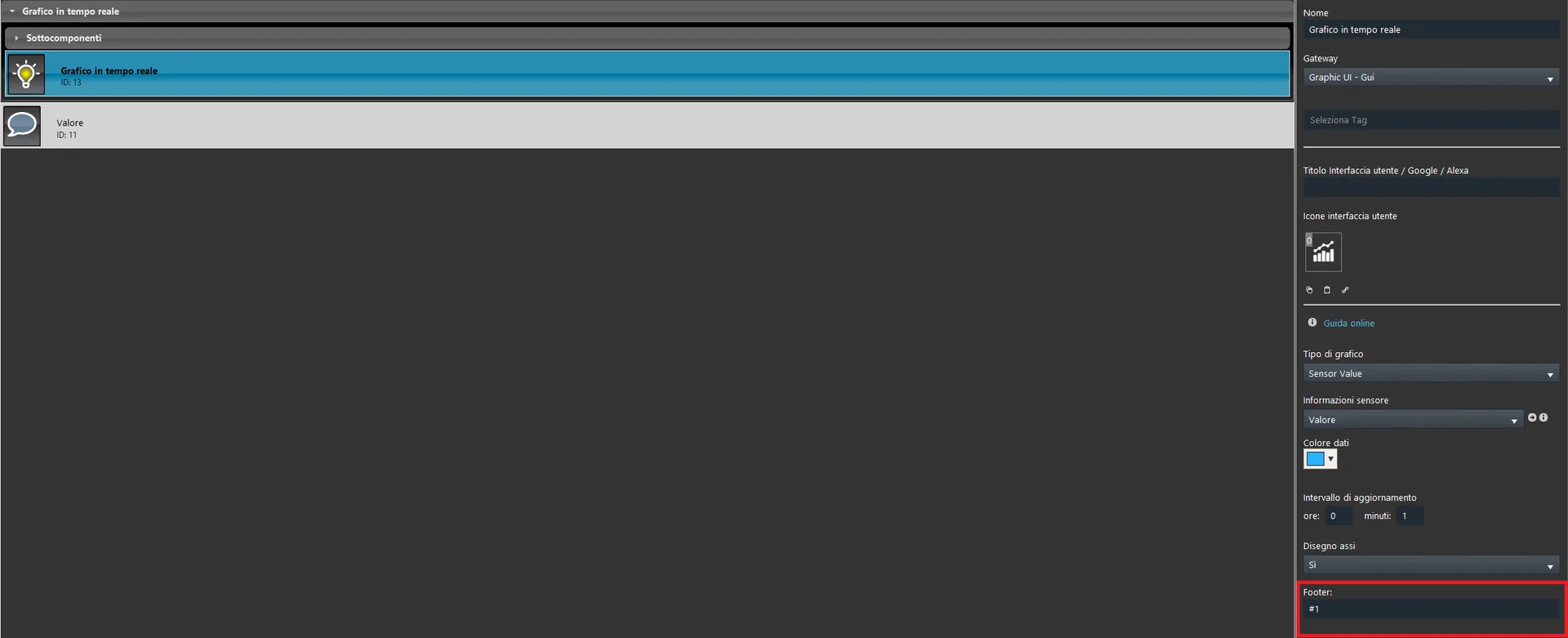
Apply a footer to the Real-time chart, followed by the character “#1” which inserts the information value in the specified footer position. This text is applied as a label to the value within the Ilevia Control app.
Visual result
As you can see in the image below, the value is displayed in the chart and updated continuously; at the bottom, in the footer, the entered text is displayed together with the numeric value of the Info component.
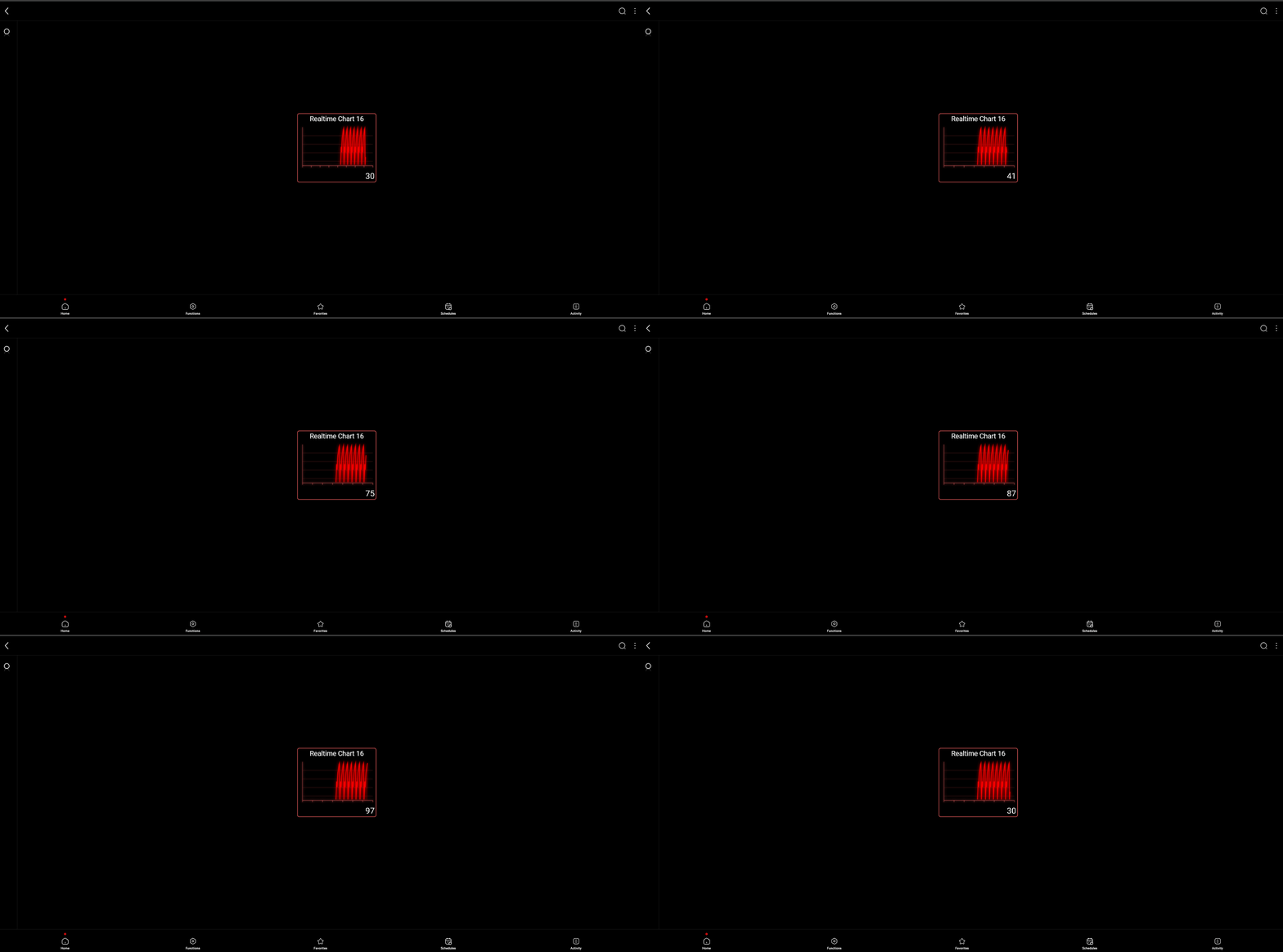
Click the link to download the Real-time chart component project and try it yourself.