
Select date
How to set up the Select date component in Ilevia Manager to let the user choose a date, for example in the Graph component.
Note: this component is useful when configuring some plugin modules.
INTRODUCTION
This component lets you choose a date, which is used as a parameter in the operation of other components. For example, it can be used to allow the user to choose the dates to display in the Graph.
COMPONENT PROPERTIES
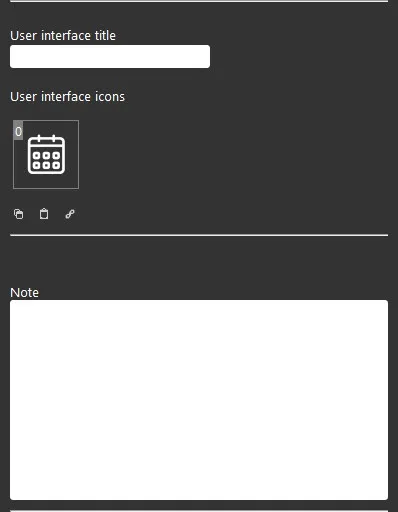
The component title and icon can be customized. See the "Common properties" guide.
GUI
This component was created using the Graphic UI gateway.
You can refer to the chapter "Gateway / protocols" for further information.
This component adds features to the function of other components: for example, it can be used in the Graph plugin module to let users choose different dates in the user interface. See the Graph plugin module.
Note: text field available for administrator-side notes.
Three display modes are available: "CLASSIC", "MODAL" and "HIDDEN". For more information see the "Common properties" guide.