CoolMasterNet
How to set up the CoolMasterNet component in Ilevia Manager to control VRF/VRV HVAC systems from the Ilevia Control app.
INTRODUCTION
CoolMasterNet is a device that enables universal integration of building management and home automation systems with any VRF or VRV HVAC system.
USE CASES
The user wants to integrate their CoolMasterNet controller into the Ilevia system;
The user wants to control all their thermostats from the Ilevia Control app.
Component properties
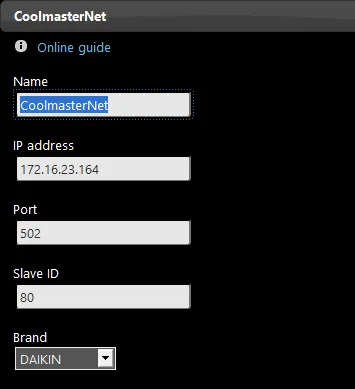
Name: here you can assign a name to the CoolMasterNet component, as you prefer.
IP Address: enter the CoolMasterNet controller IP address here.
Port: enter the CoolMasterNet controller port in this field.
Slave ID: enter the CoolMasterNet controller slave ID here.
Brand: here you can select the brand of the devices that will be controlled through the CoolMasterNet controller.
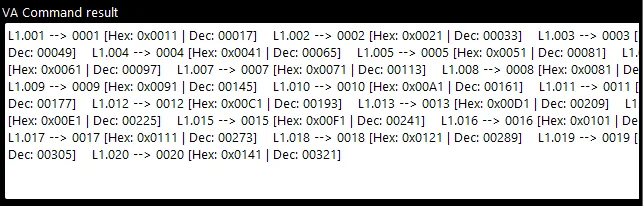
VA command result: list of the components that will be created by clicking the "Create component" button.
Reminder before continuing:
Download and install the Ilevia Logic plugin to enable plugins (link);
After uploading the project to the Ilevia server, wait a couple of minutes for the logic to start.
Automatic group creation
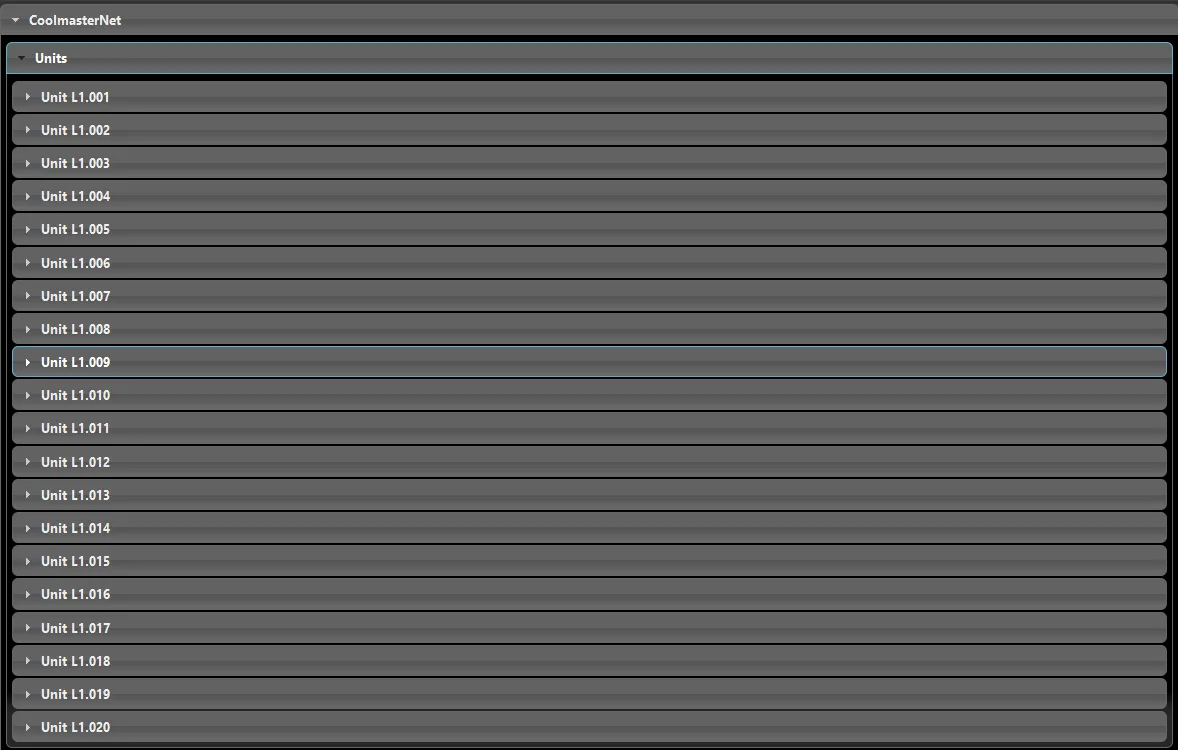
By clicking the "Create component" button, sub-components are created, which can be configured to control HVAC devices.