How to find the Shelly device ID
How to find the device ID to complete the topics within the Ilevia manager configuration software.
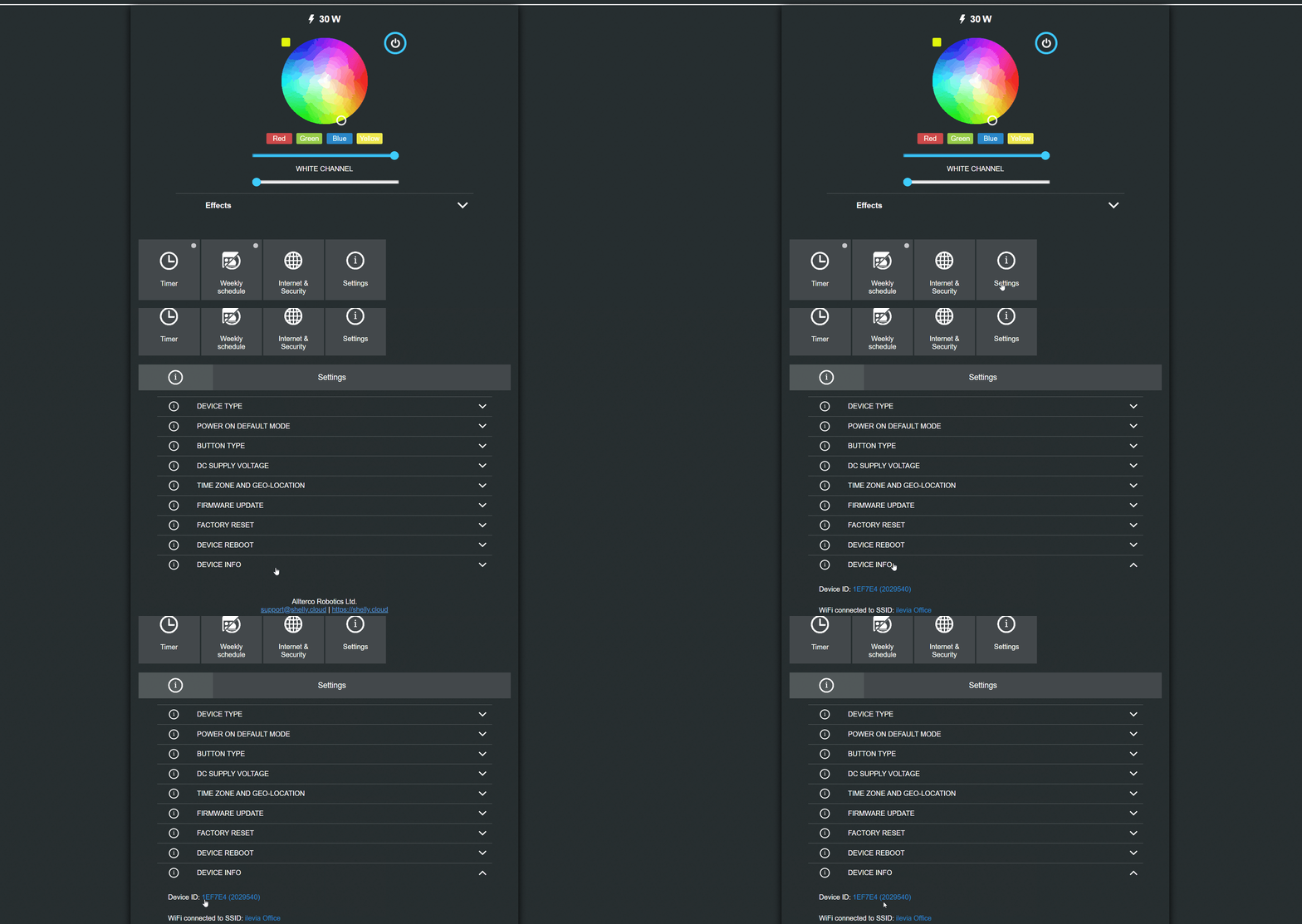
How to find the Shelly device ID in the web interface
Introduction
This guide explains how to find the Shelly device ID, required to configure the topics and continue with the integration.
Step 1:
Connect to the device web interface: enter the Shelly device IP address in the browser address bar.

Step 2:
Go to the Settings section: there you will find Device info, which shows the Shelly device ID.