SHAPE
Complete guide of how to configure the Shape component within the Ilevia's cnfiguration software.
INTRODUCTION
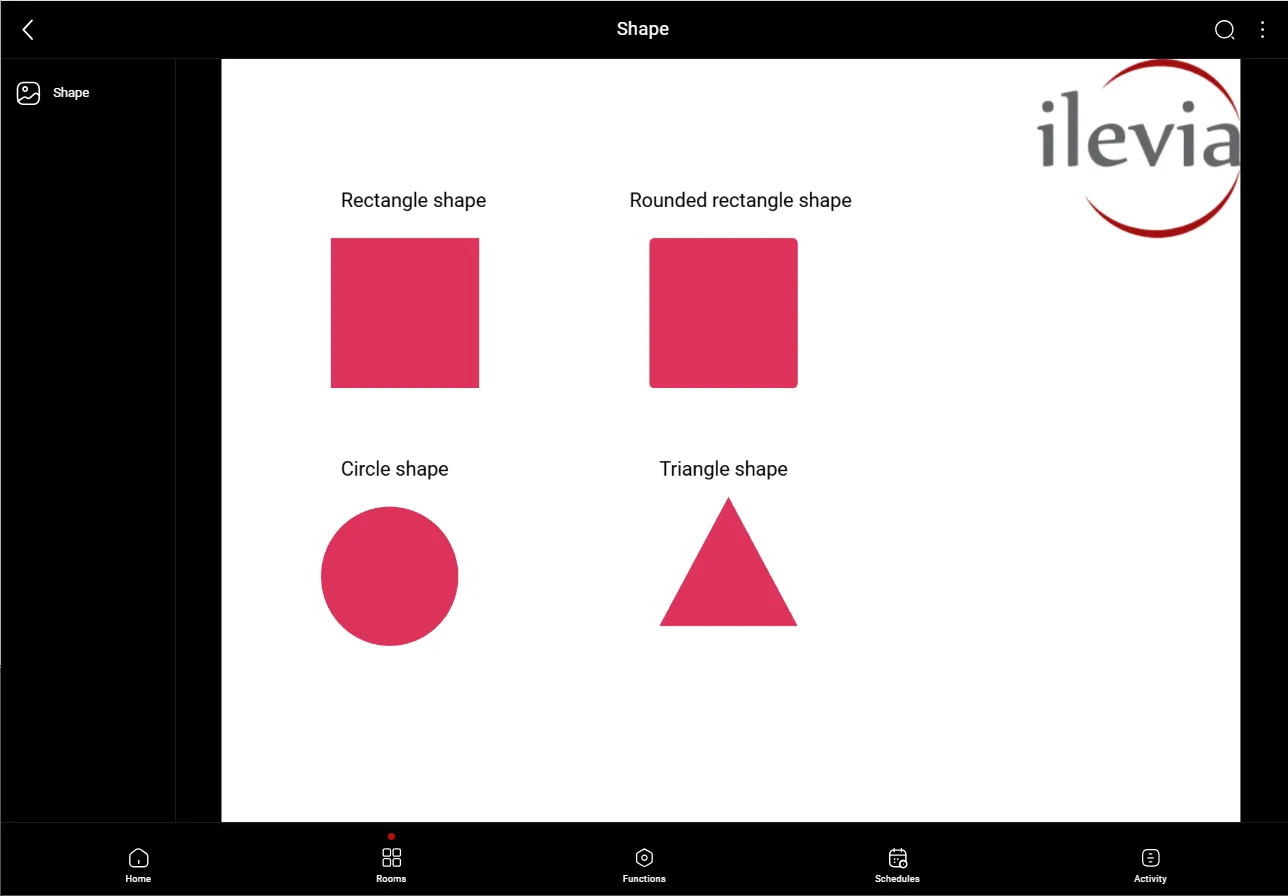
This component allows you to place precise shapes within the Ilevia’s Map user interface. The shapes can be customized and placed precisely in your project.
Component properties
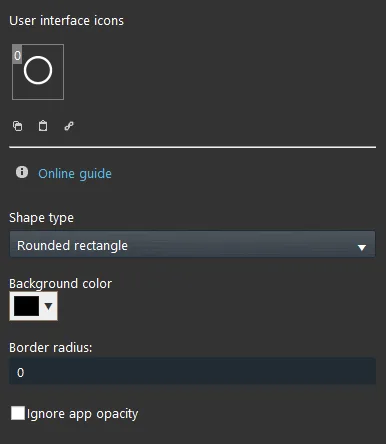
Shape type: Select the shape between Rectangle, Rounded rectangle, Circle and Triangle.
Background color: Here select the shape’s color.
Border radius: This setting allows to change the smoothness of the shape’s angles.
Ignore app opacity: This checkbox will make the shape ignore the app (Ilevia Control) opacity if different from the default one.
Shape component visualization
The picture below represents the Shape components within the Map user interface on the Ilevia Control app.